The Scapegoat After the Breach
For the security leader who owns the risk
The line you signed
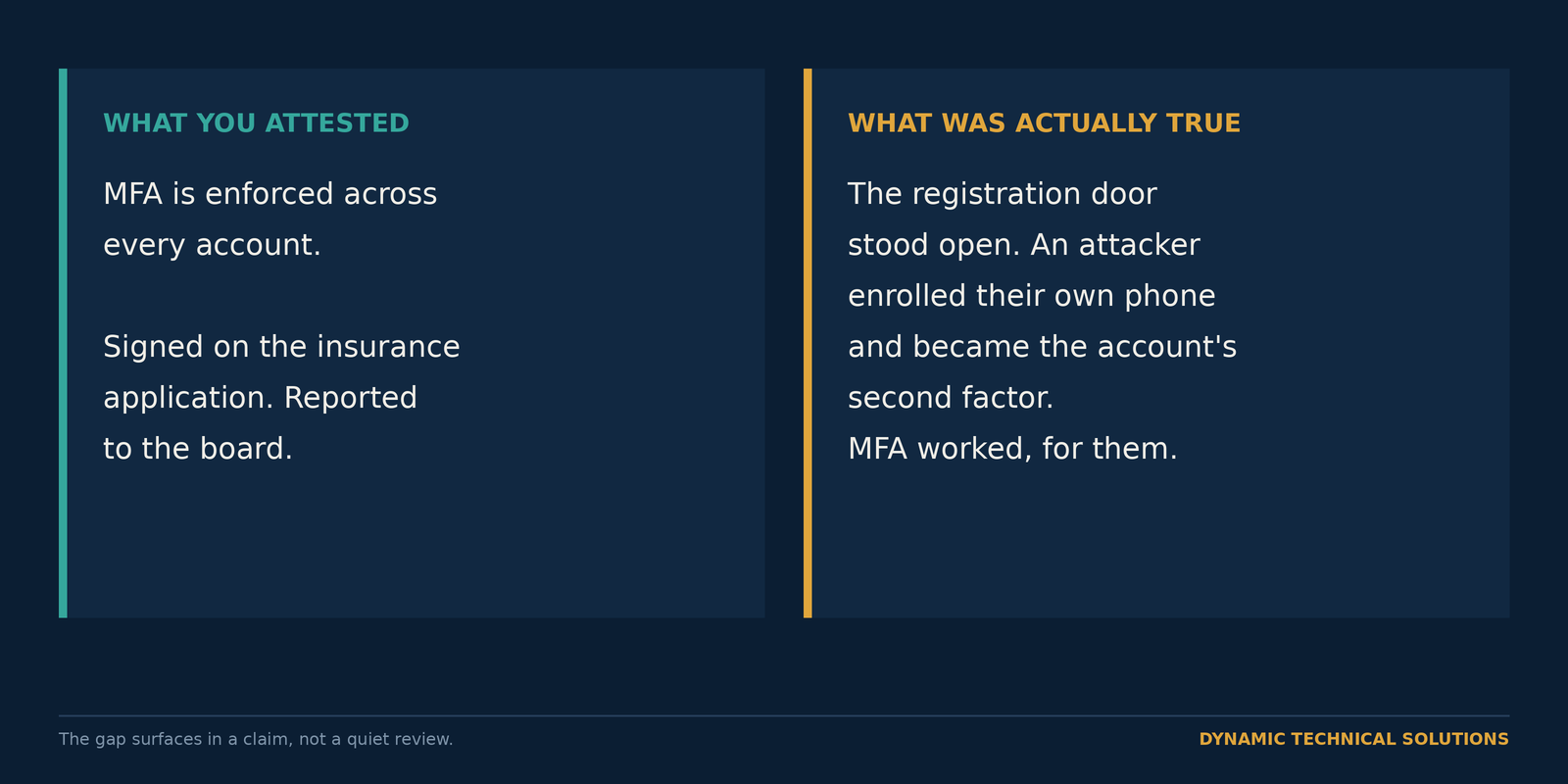
Somewhere in your files is a form with your name on it. An insurance application, a customer questionnaire, a board attestation. One line says MFA is enforced. You believed it when you signed.
In 2022 an insurer moved to void a cyber policy after a ransomware claim. The application said MFA protected privileged access. The forensics found it only covered the firewall. The coverage vanished on the wording of one line, and nobody caught the gap until the claim went looking for it.
That's the fear worth losing sleep over. Not a control failing loudly. A control you reported as working, in good faith, that wasn't, showing up at the worst possible moment with your signature under it.
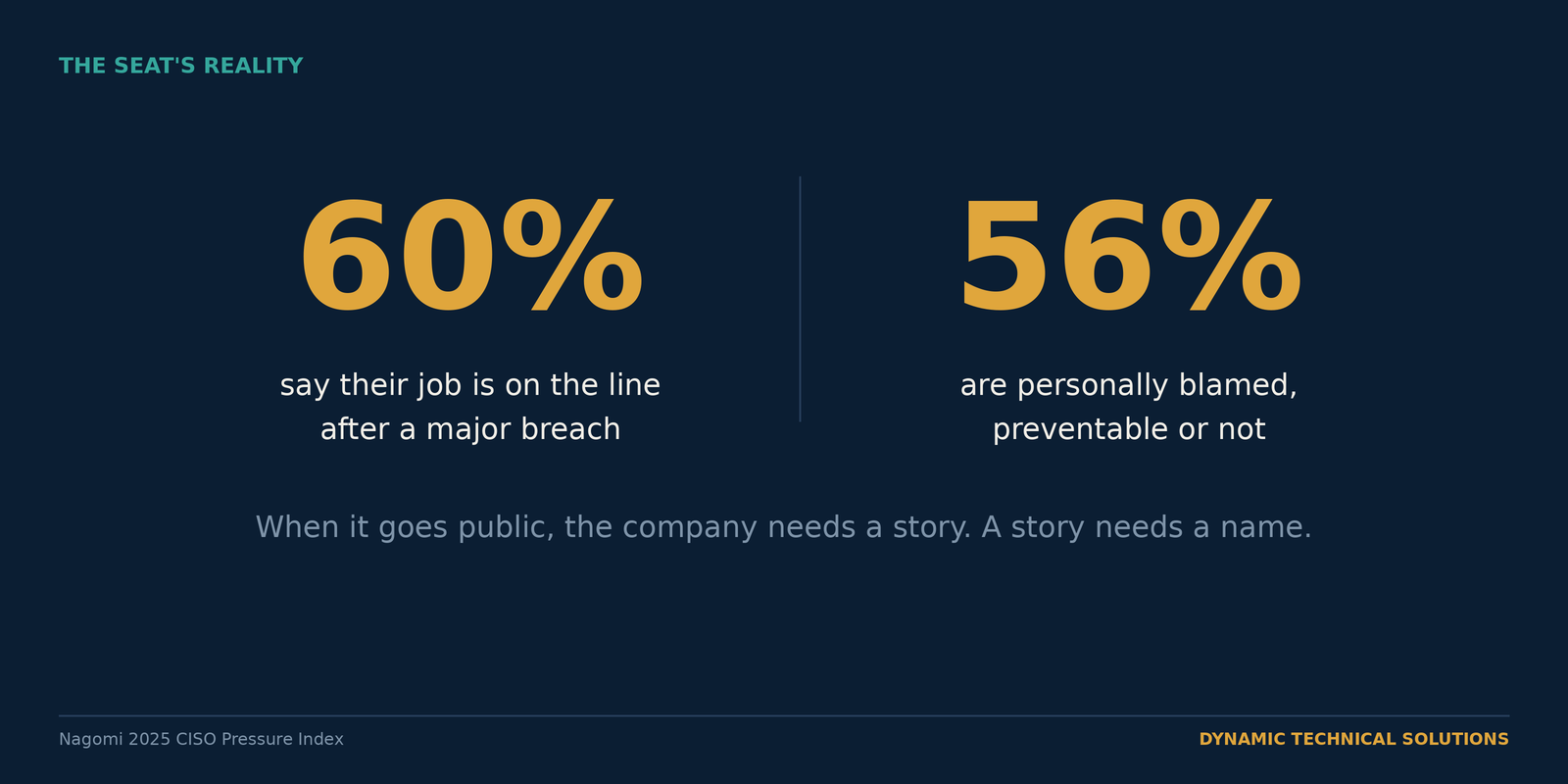
When it goes public, the company needs a name, and the form has yours. You own the risk. You don't own every decision that built it. Sixty percent of security leaders say their job would be on the line after a major breach, and 56% say they get personally blamed, preventable or not (Nagomi 2025). More than half of organizations report an executive facing fines, losing their position, or losing their job after an attack (Fortinet 2024). You already know the two names behind those numbers: a security chief convicted over a breach cover-up, a CISO charged by the SEC over disclosures.

The door you told them was locked
So how does a control you switched on turn out to be false?
MFA works. Microsoft puts it at a 99.22% cut in compromise, and 98.56% even for accounts whose passwords had already leaked. Every one of those numbers rests on one assumption: that the real user owns the registered method.
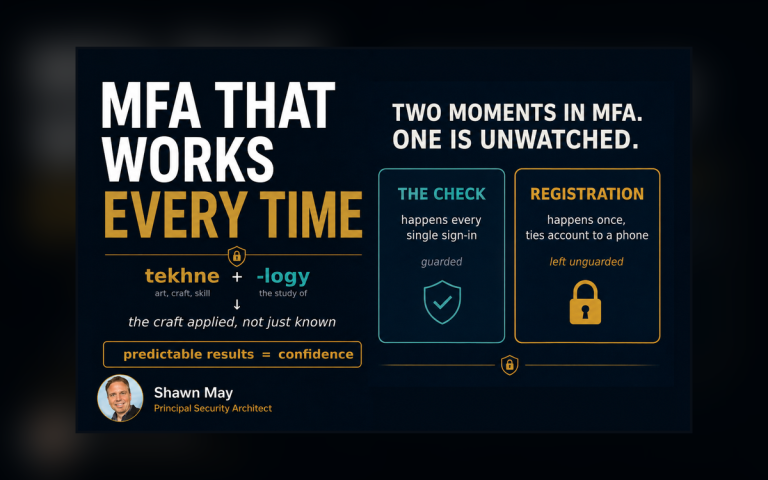
Registration is where that assumption holds or breaks. It's the moment an account gets tied to a phone or a security key. Flip MFA on for everyone and the front door feels locked. But if nothing guards the registration page, an attacker with a stolen password for an account that never enrolled, a new hire starting Monday, a dormant account no one retired, can sign in first and register their own phone. After that, MFA works perfectly for the wrong person. Microsoft flags dormant, unregistered accounts as exactly this kind of target, and tracks attacker-registered MFA as a known persistence move.
That's what makes it dangerous on a form. The control is on. The board slide is green. You can truthfully say MFA is enforced while it quietly answers to someone who isn't your user. 82% of security leaders have already been blindsided by something that walked past a control they thought was in place (Panaseer 2024).
Owning it isn't running it
Having MFA switched on is one thing. Guarding the moment it gets bound to a person, and being able to prove the right person did it, is the harder thing, and it's the part that was missing in most rooms I've walked into after a breach. Rarely the tool. The one door nobody was told to guard.
The fix isn't heavy.
- You put a guard on the registration page so reaching it takes more than a password.
- Then you hand a new hire a Temporary Access Pass, a short-lived code an admin issues that expires on its own.
- The remote hire with no laptop and no office network still gets in and registers her real phone.
- The attacker with just a password stops at the door.
Keep (configure) this Temporary Access Pass to single use, the way Microsoft's Zero Trust guidance says, and it can't be replayed later. This is the kind of control DTS coaching walks a team through building and proving, not just merely switching on.
Judged on the diligence
The other side of this is specific. Not that nothing gets through. It's that when something does, the board already understood the risk it signed off on, the decision is written down, and you can show the registration door was guarded and working that day. Asked whether the attestation was true, you reach for evidence instead of hope.
That's the difference between the name they hand over and the person who did the job. One rests on a green slide you can't back. The other you can put on the table in front of a regulator or a board and let it hold.
Do one thing this week.
- Pull your MFA registration activity report.
- Stand up a registration-protection policy in report-only.
You'll know, before anyone forces the question, whether the door you've been attesting to is actually shut. Better you find out on a Wednesday than a regulator finds out for you.

Glossary
MFA (multifactor authentication): proving who you are with more than a password, usually by adding something you have, like a code or an app approval on your phone.
MFA registration: the one-time moment an account gets tied to a specific phone or security key. Whoever completes it controls the account's second factor from then on.
Registration protection: a rule that guards the registration page, so reaching it takes an existing verified method, not just a password.
Temporary Access Pass (TAP): a short-lived code an administrator hands a new or remote user so the right person can register their real method once, after which the code expires.
Attestation: a formal statement, often on an insurance or customer form, that a control is in place. If it doesn't match reality, it can void coverage or breach a contract.
Conditional Access: the Microsoft Entra engine that decides, per sign-in, what a user must satisfy before they're allowed through.