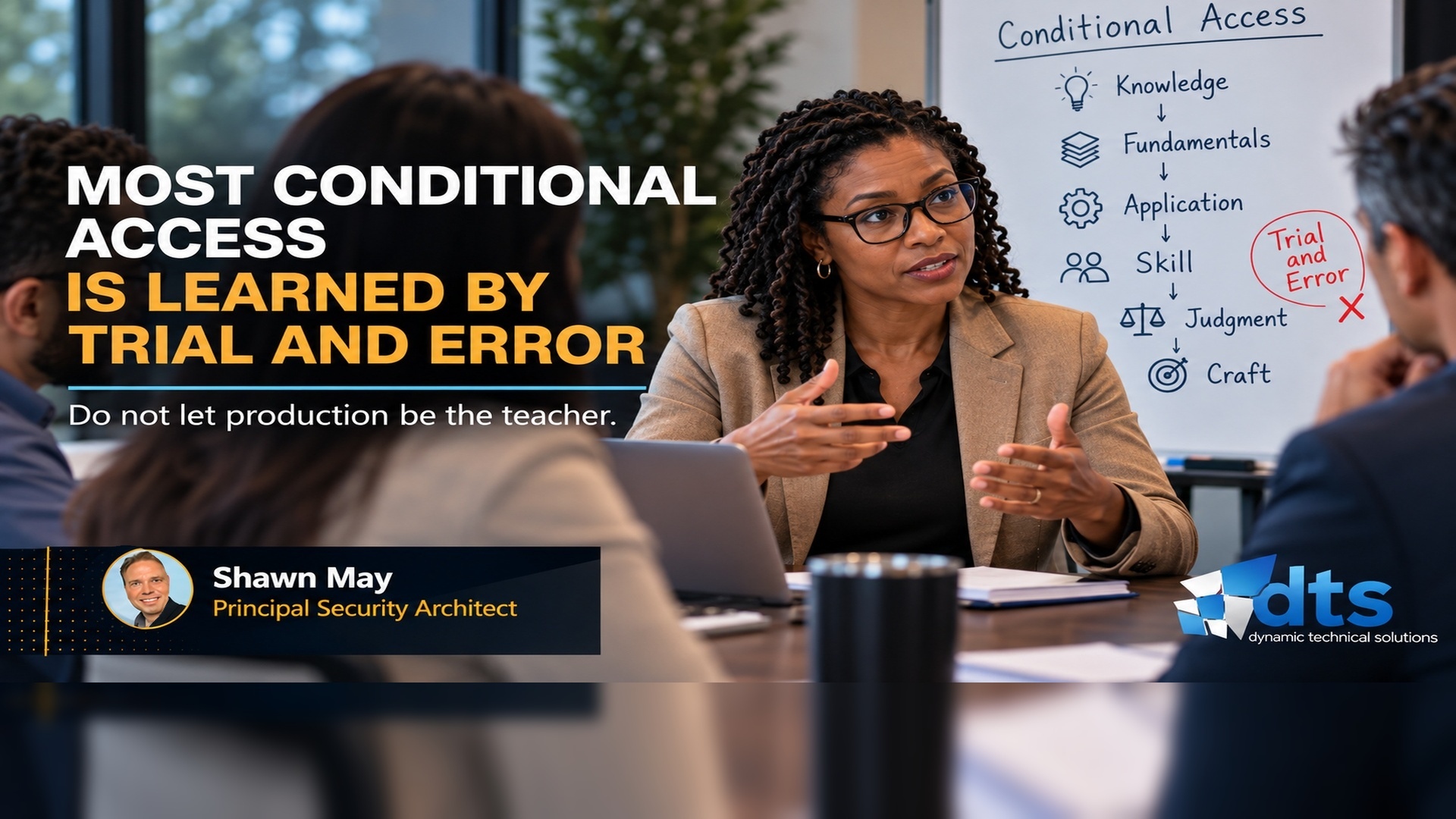
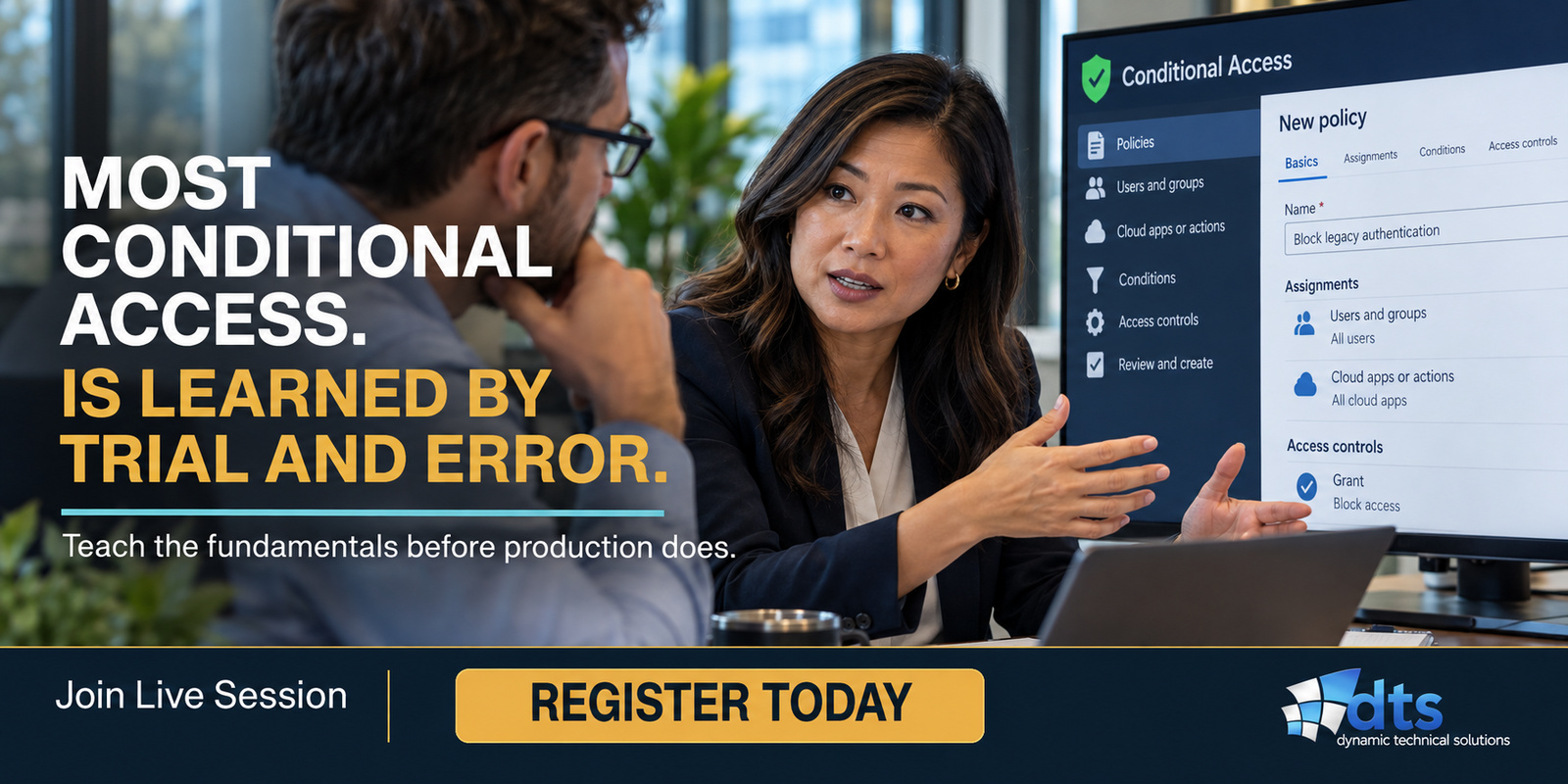
Most Conditional Access Is Learned by Trial and Error
When was the last time someone asked your IT or security team to produce the fundamental standards behind one of the most critical security controls in your arsenal: Conditional Access, the control layer that sits at the border of your cloud environment and decides who gets in and who is denied? Could your team clearly state those defined thirty-five (35) fundamentals today? Are they clearly known and written down, or do they live mostly in the heads of a few people? And if one of those people left, how much of that foundation would walk out with them? And how did they learn it in the first place?
If your team comes back with a list of the policies already running, like MFA or other controls being enforced, that’s the answer most teams would naturally give. It’s a good answer to a different question. Those are your operating policies, each built for a specific purpose. I mean the foundation beneath those: the principles, standards, definitions, and decision rules that shape how Conditional Access is approached, understood, governed, applied, and relied on across your organization.
The next question matters just as much. How many of those basics are actually in use today? Are your operating policies built, reviewed, changed, and maintained against a common set of defined standards, aside from those governed by your change board? Or has each policy gradually drifted in its own direction over the years, one change and one exception at a time? Writing the standards down once doesn’t mean your policies still follow them today. And if your team can’t answer these questions with confidence, that’s not a knock on them. These 35 standards have never been effectively gathered into one set, let alone clearly defined. Most technologists are forced to discover them in pieces, then connect them for themselves (a trial-and-error heuristic approach), often while already responsible for policies actively in production.
Let’s flip it around. How did you learn the fundamentals behind the business decisions you make today, the basic elements you instantly know will make or break a deal or a project? For most of us, the hard way. Maybe it was the month sales were up and the cash still ran short, because revenue and cash aren’t the same thing. The world pushed back, and the basic lesson sank in or stuck. Your technologists get that same pushback in Conditional Access. After reading this, you get to decide how they learn it and apply it in your business: up front, or one mistake at a time.
Conditional Access Foundation is a new kind of product built for the technologist. At its core are 35 fundamentals, foundations and standards that technologists should understand before they build, change or manage Conditional Access. It adds no tools and no policies. It improves what your technologists know and understand, how they reason through decisions and respond to changes, and how consistently they apply the fundamentals.
Why start with the technologist?
Why – because every single Conditional Access decision in your tenant is made or built by an individual. With the threat of more cyber incursions, your organization is probably already working to raise its security with more tools, policies and layers of control. Each layer is still designed, changed and maintained by a technologist, and it’s only as sound as the fundamentals that person knows or brings to the table.
The industry data tells the same story. In 2025, ISC2 surveyed more than 16,000 cybersecurity professionals. 95% said their teams were missing at least one skill, and 88% said those gaps had already led to a significant cybersecurity consequence. Nearly a quarter (24%) pointed to misconfigured systems. ISC2’s takeaway was very clear: skills, rather than headcount, were the bigger issue.
In 2011, I learned personally just how much one person’s fundamentals truly matter. Barclays Capital had brought me in as its Microsoft security architect to rebuild identity for the trading platform providing services across New York, London and Asia. My partner Ilya and I spent six months on the design, documented and tested end to end. Then we walked it through with Bill, the operations engineer who’d own it in production. After two hours he asked one question. “What happens if this one thing fails?”
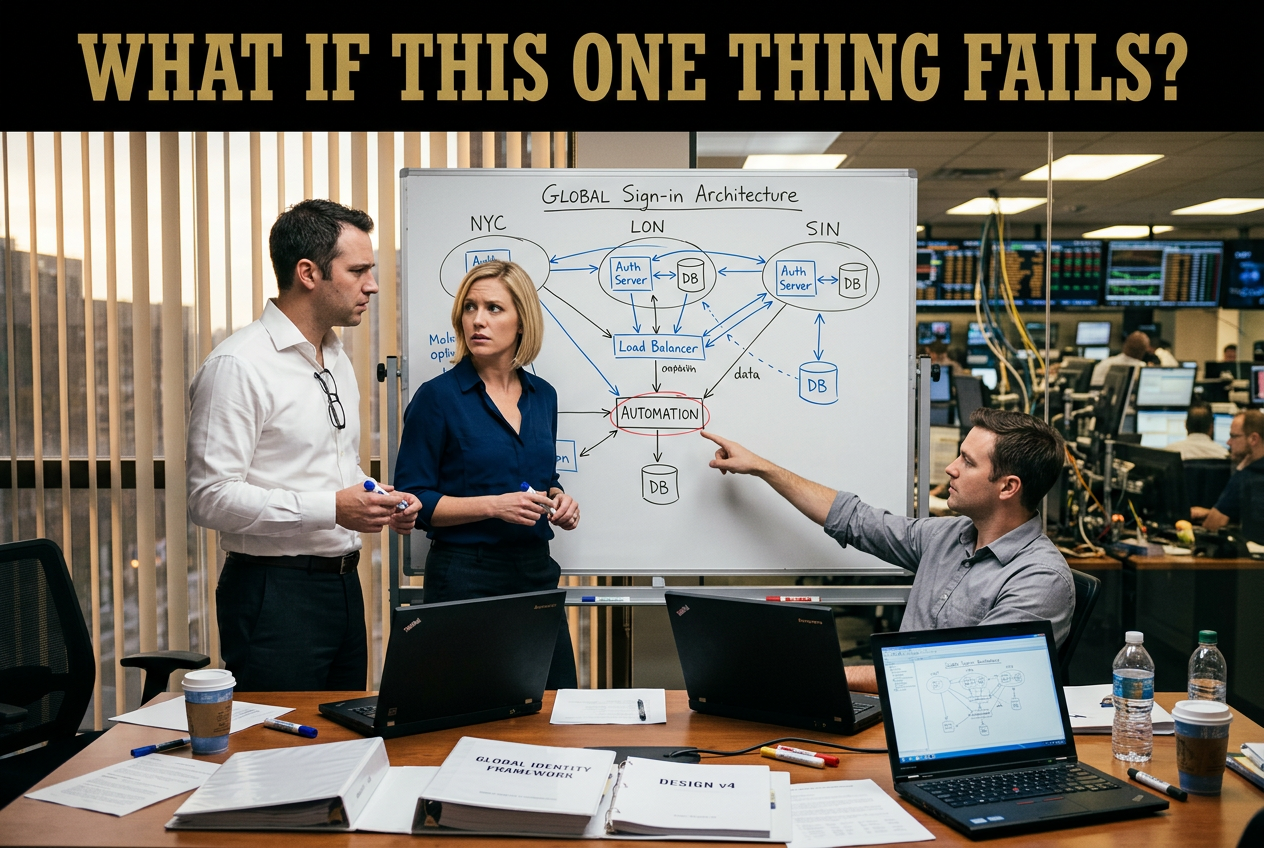
We couldn’t answer. Part of the design leaned on “automation” with no fallback, and if it failed, that region’s systems would go down with it. Six months of design hadn’t caught it. Bill’s reasoning did, early enough that the fix cost us about a week.
What is Conditional Access Foundation?
Conditional Access Foundation takes the technologist from first principles to disciplined design. It starts with what Conditional Access is, what it is not and the fundamentals that govern how it works. From there, it builds the ability to properly read, construct, evaluate and troubleshoot a policy, then understand how multiple policies interact during a single sign-in, where all applicable policies must be satisfied. It finishes with the design standards that keep an environment controlled and understandable: one clear purpose per policy, deliberate scope, minimal exceptions, documented reasoning and a policy set that can be understood, defended and safely changed.
These are the fundamentals technologists should possess wherever they are in their Conditional Access journey: designing it, operating it, changing it or inheriting what someone else built. Most organizations are already in flight, which makes establishing that foundation just as important now as it would have been at the beginning. Because a missing fundamental eventually becomes a decision.
A client of ours had two well-built administrative policies protecting both a) all Entra privileged roles and b) privileged accounts, with zero gaps in coverage. Both policies required an authentication strength that meets NIST AAL3. Each also included an additional, stacked session control requiring a fresh sign-in every 12 hours. That meant anyone using one of those roles or privileged accounts could remain signed in for no more than 12 hours before being forced to reauthenticate. Certainly, on the surface, that combination of controls made perfect sense to the policy author and anyone reviewing it.
Recently, this client began a tenant-to-tenant data migration. Instead of using an application, the preferred approach, they were forced to use both a) a privileged role and b) a privileged account covered by those same policies, and the migration needed to stay signed in (clearly a new use case). That is where this stack of controls became a problem. The same 12-hour session control applied through both policies, interrupting the migration from two directions every 12 hours.
The missing fundamental was simple: keep grant controls and session controls in separate policies. Put another way, do not stack the two together unless you are prepared to create exceptions that will certainly introduce gaps, or make mid-flight (knee-jerk) changes to existing policies that most likely will produce unintended consequences across the environment. Cheap to know up front. Expensive to learn in the middle of a migration.
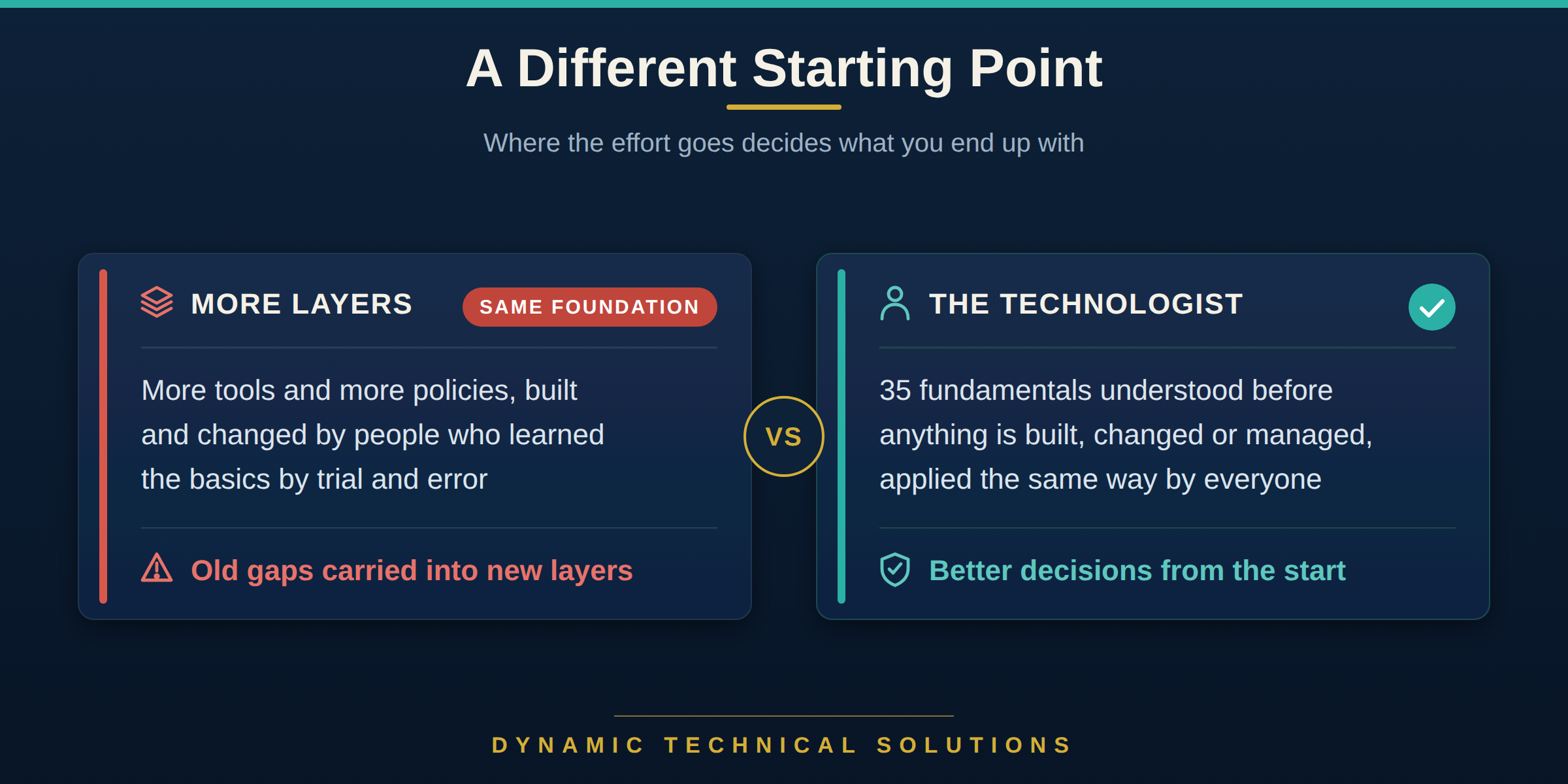
That is the foundation beneath the technology, and it is exactly what Conditional Access Foundation is built to provide: strengthening the technologist first, and through better knowledge, judgment and decisions, strengthening the technology they design, build and maintain.
When you improve your technologists, what do you end up with?
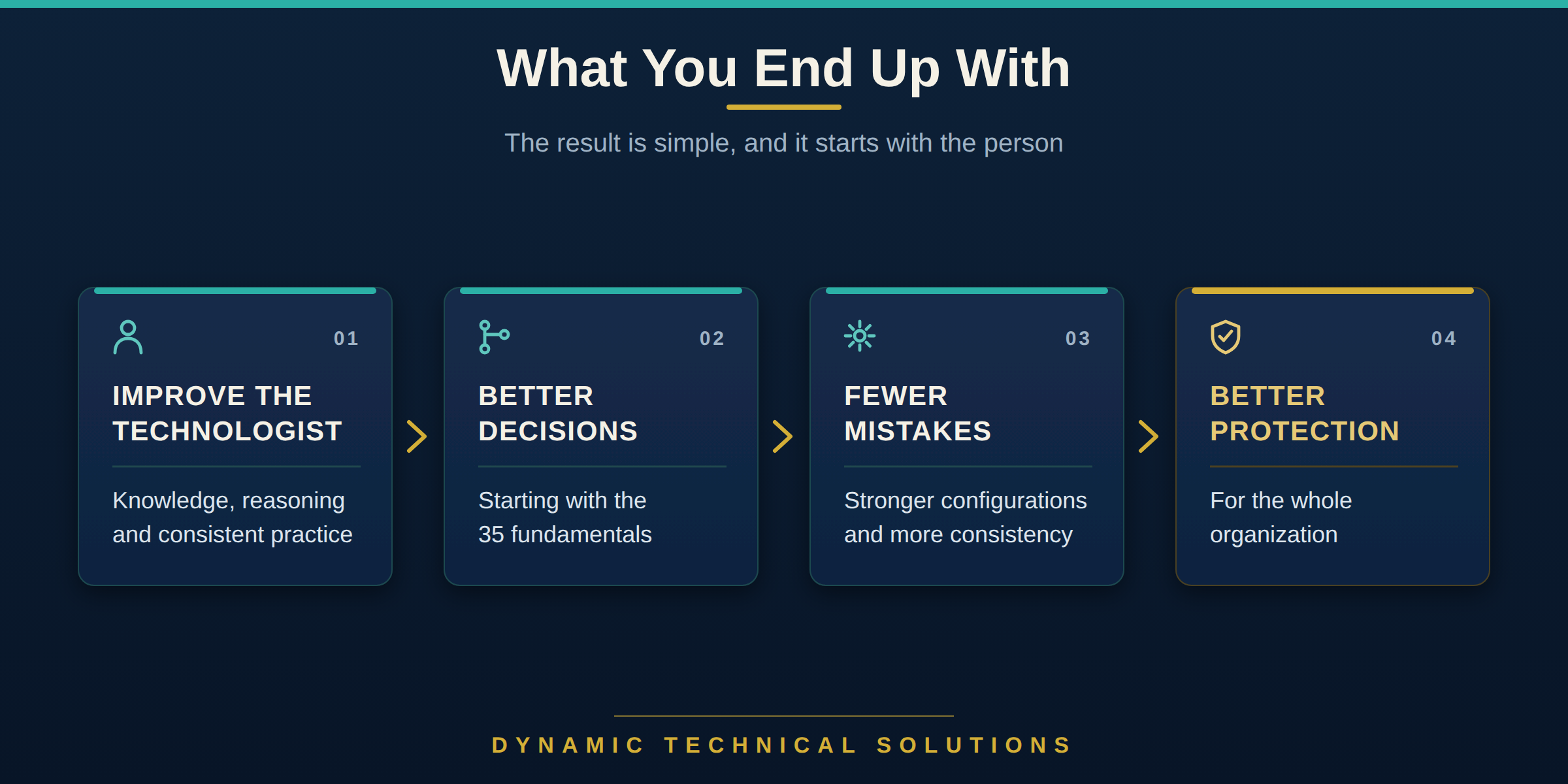
Better decisions. Improve the technologist, their skill, judgment and craft, and you improve the decisions they make. Those decisions start with the fundamentals, the basics. Greater confidence leads to better decisions, fewer mistakes, stronger configurations and greater consistency across Conditional Access. The result is stronger technology and, ultimately, better protection for the organization, produced by the people you already have.
That is what Bill brought into the room. He had not spent six months designing the solution with us, yet in two hours one fundamental exposed something we had missed: “What happens if this one thing fails?” That single question changed the design.
Conditional Access Foundation gives every technologist on your team the same kind of grounding across all 35 fundamentals.
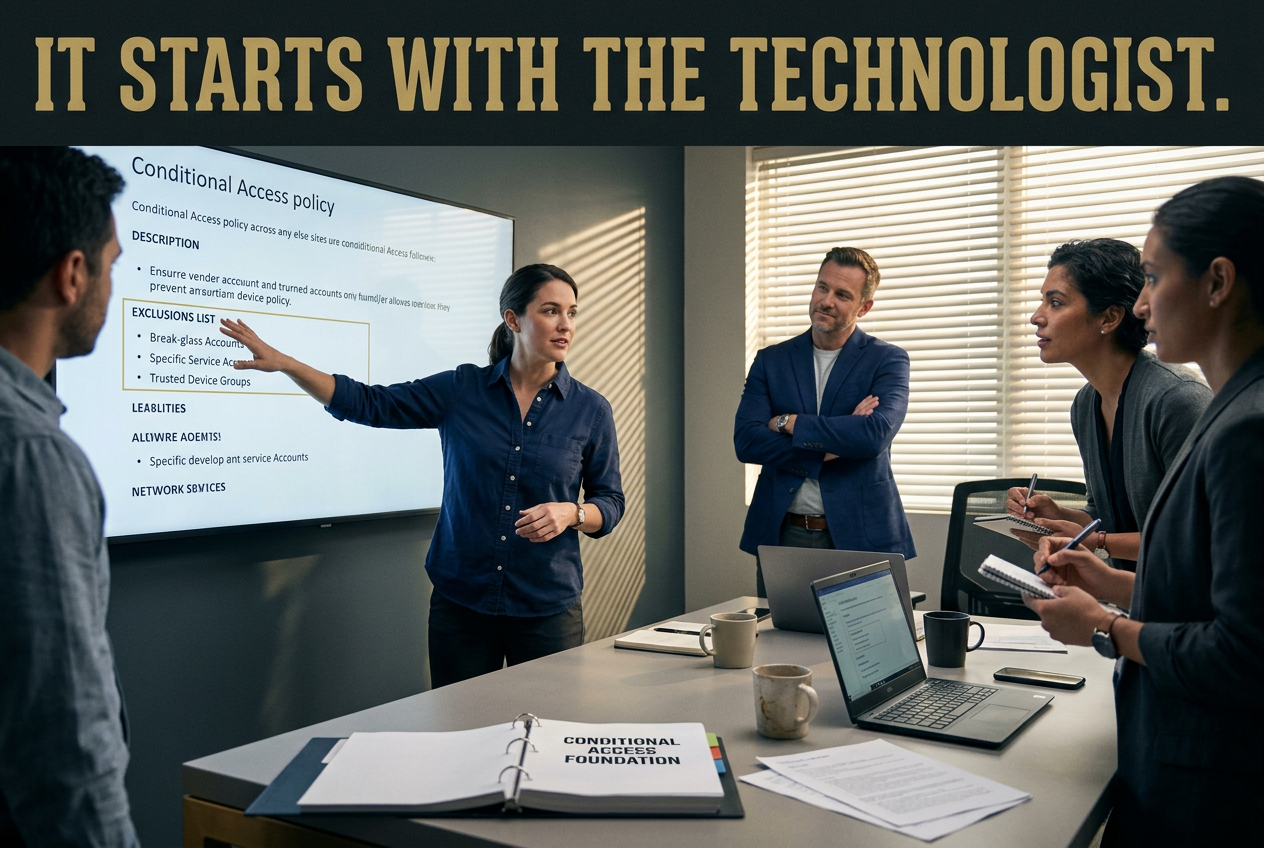
What your technologists gain:
- A shared standard, so the same problem is approached the same way, no matter who picks it up.
- Reasoning that stays with the team when someone moves on.
- Confidence in what a change will do before they make it.
- Clear reasons behind every policy, ones they can explain to you, a client or an auditor.
- The ability to say no to an exclusion request and clearly explain the risk.
Without the fundamentals, technologists still learn. They just tend to learn after something goes wrong, a change causes trouble, a decision gets challenged or, worse, an invisible security gap is introduced without anyone realizing it. The lesson still gets learned, but usually at the organization’s expense.
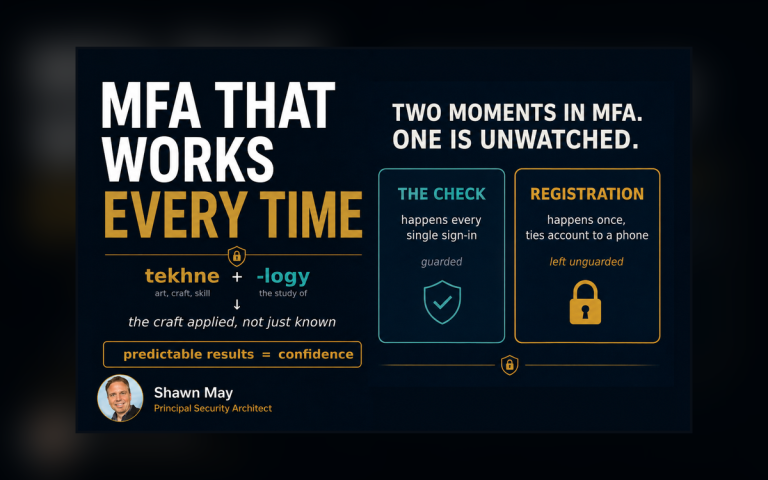
Take a step back and look at the word TECHNOLOGY. It traces all the way back to the Greek word tekhnē, meaning craft or skill or art. Craft lives in your technologists, and like a muscle, it gets stronger when it is used. As their skill grows, standards get applied more consistently, controls become easier to understand, and gaps become easier to see, correct and keep from coming back.
Where to start
Start with a conversation. Without putting anyone on the spot, ask your technologists to show you the standards they use to build and manage Conditional Access, not just the policies currently running.
Then find a policy where grant and session controls (or something similar) are stacked together in one or more policies:
- What happens when one of these controls needs to change, but the other one doesn’t?
- Can you change it cleanly, or does that force you to alter the whole policy, create an exception or leave a gap?
Clear answers tied to a standard mean the foundation is there. Hesitation isn’t a failing on their part. It shows you exactly where Conditional Access Foundation begins.
Six months from now, a senior engineer leaves. The team keeps moving because the standards and reasoning stay behind. The next technologist is able to pick up the work with complete confidence instead of starting over.
Frequently asked questions
Q. What is Conditional Access Foundation?
A. Conditional Access Foundation is built for the technologists who design, operate, change and inherit Conditional Access environments. At its core are 35 fundamentals, foundations and standards that give them a common body of knowledge to work from, regardless of where the organization is today. It does not add more tools or policies. It strengthens how technologists understand the environment, recognize gaps, reason through changes and apply Conditional Access consistently.
Q. How is Conditional Access Foundation different from a security improvement program?
A. A security improvement program usually adds tools, policies or controls. Conditional Access Foundation adds none of those. It works on the people who design and maintain your Conditional Access, so every policy they build, change or manage starts from the same fundamentals.
Q. What do you end up with when you improve your technologists?
A. Better decisions. Technologists grounded in the fundamentals make fewer mistakes, build stronger configurations and apply Conditional Access more consistently. The result is better protection for the organization, and a team whose reasoning doesn’t leave when one person does.
Glossary
- Conditional Access: Microsoft Entra’s policy engine for controlling access to applications and resources.
- Conditional Access Foundation: The DTS product that teaches technologists the 35 fundamentals beneath every policy.
- Fundamentals: The principles, standards, definitions and decision rules beneath every policy.
- Technologist: The person who designs, implements and maintains your security.
- Grant and session controls: What a policy requires before letting someone in, and what it governs once they’re in.
- MFA: Multifactor authentication. Signing in with a second proof of identity beyond a password, such as an app approval or a security key.
- Operating policies: The Conditional Access policies actually running in your tenant, each built for a specific purpose, such as requiring MFA.
- Change board: The group that reviews and approves changes before they reach production, often called a change advisory board (CAB).
- Heuristic: Proceeding to a solution by trial and error, or by rules that are only loosely defined.
- Tenant: Your organization’s own dedicated instance of Microsoft Entra ID, holding its users, apps and policies.
- ISC2: A nonprofit membership association for cybersecurity professionals, best known for the CISSP certification. It publishes an annual cybersecurity workforce study.
- Microsoft Entra ID: Microsoft’s cloud identity service (formerly Azure Active Directory), where Conditional Access is configured.
- Privileged roles and accounts: Admin roles, such as Global Administrator, and the accounts that hold them. They can change settings across the tenant, so they’re protected more tightly than everyday accounts.
- NIST AAL3: Authenticator Assurance Level 3, the highest of NIST’s three sign-in assurance levels. It calls for hardware-based cryptographic sign-in that resists phishing, plus reauthentication every 12 hours.
- Authentication strength: A Conditional Access control that sets which sign-in methods are acceptable, such as phishing-resistant MFA.
- Reauthenticate: To sign in again and prove identity, usually after a session time limit is reached.
- Tenant-to-tenant migration: Moving data such as mailboxes and files from one Microsoft 365 tenant to another, often after a merger, acquisition or reorganization.
- Exclusion: A user, group or account deliberately left out of a policy, so the policy doesn’t apply to it.
- Tekhnē: Greek for craft, skill or art, and the root of the word technology.