The Call No Owner Wants to Get
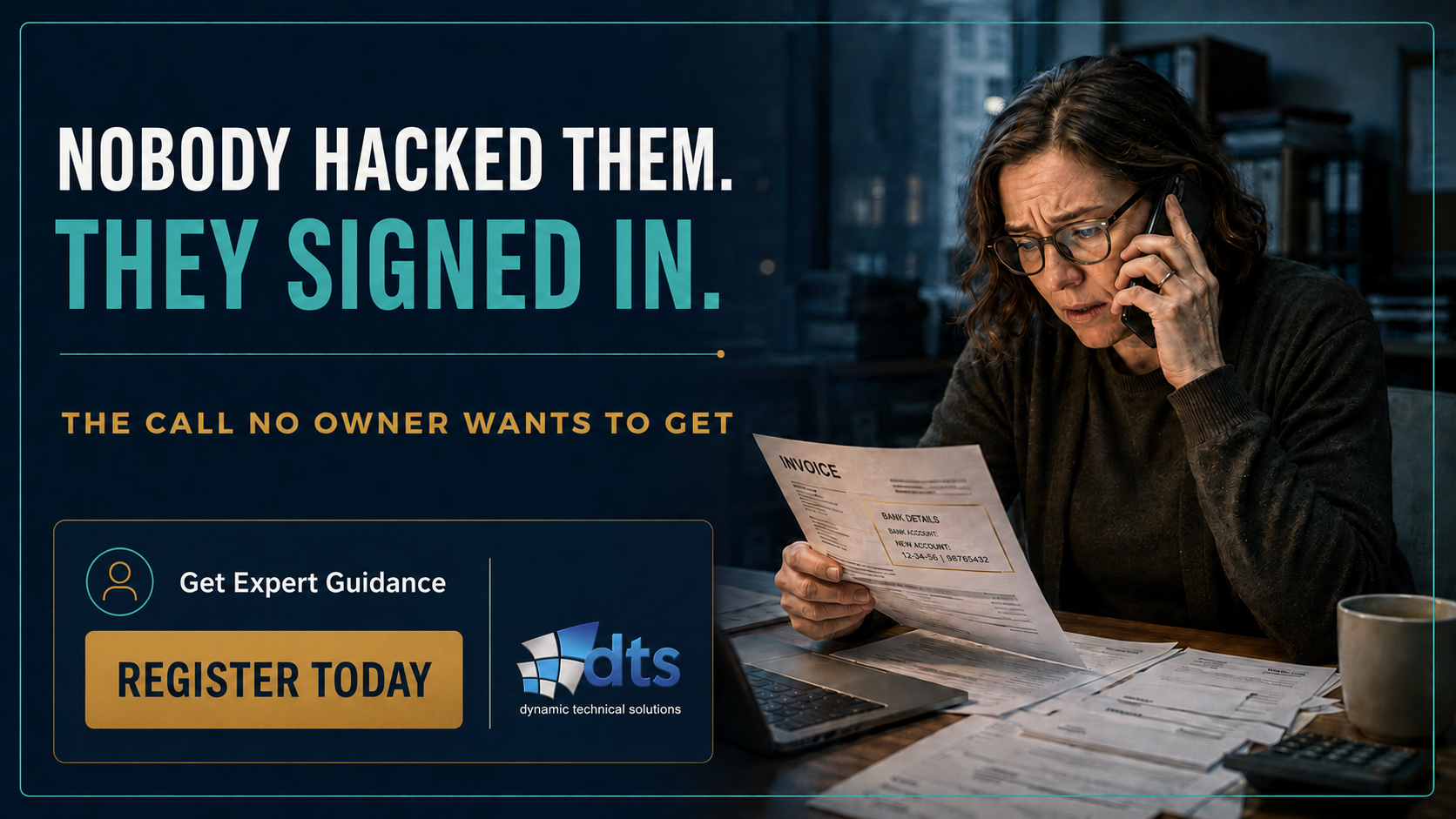
Picture it. It’s a Tuesday. A good client is on the line and their voice is a little off. “Quick question. Why did your bank details change on the last invoice?”
You didn’t change anything.
That’s the moment it lands. No FLASHING red screens on some ambiguous IT dashboard. No alarm. A customer, telling YOU something alarming about your own business before you knew it yourself. I’ve sat with a lot of owners in that quiet hour after a call like that, going on twenty-five years and the part that stays with them is never the size of the loss. It’s how ordinary the whole thing turned out to be.
Let me tell you how it actually happened, because it’s far quieter than the movies make it look. Some hacker got a hold of one of your employees’ passwords. Not cracked by a genius. Literally bought. It leaked from a site months ago, got reused, and sat in a list for sale. The attacker logged straight into the mailbox just like they owned it, read a real invoice thread, changed the account number, and waited. The money moved right on schedule, straight to their account.
So here’s the only question that matters. What stood between that password and your company’s accounts?
Nothing. That’s what this is about.
First, what MFA even is
Skipping all the acronyms, a password is something you know. Multi-factor authentication adds a second factor you have, like your phone or a small key, or something you are, like a fingerprint. When it’s on, a stolen password gets someone to the door, but no further! They hit this second check, they don’t have it, and the sign-in is denied right then and there.
How well does that work? Microsoft runs the identity system behind Microsoft 365, and their own finding is that turning on MFA and shutting off outdated sign-in methods stops more than 99.9% of common identity attacks. Read that number again. The catch is that it only holds when it’s done correctly. For what it costs, almost nothing else in your whole company comes close.
I've put this in at a number of companies. Do it right, and people forget it's even there. Do it wrong, and they're cursing it inside a week and finding ways around it. Same tool either way. Costs the same either way. What actually makes the difference is whether the person who designed and set it up had the skill and knowledge.
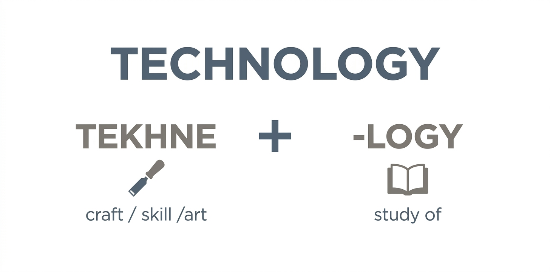
Here's an idea most people never stop to think about. Look at the word Technology itself. It comes from the Greek. Tekhne, meaning an art, craft or skill. And -logy, the study of. So at its root, technology means the craft, the skill of taking what you know and putting it to work in the real world. Plenty of people can explain how a car works and still can't drive or maintain one. Simply having something alone (such as MFA) doesn't mean it's correct.
And that gap, between having the tool and knowing how to apply it, is where we work directly with businesses.
What Guarded vs. UNguarded Passwords feels like
Going back to that stolen password, without a second check, that's all it took to get in, and then next, you hear about it from your customer. Now picture that same day with MFA not only switched on but PROPERLY configured. That attacker still buys the same password. He still tries the mailbox. But he doesn't have that MFA code that is sitting on your employee's phone – as a result, the door just doesn't open – it stays shut. That's the whole thing; same hacker, same password, and it literally goes nowhere.
Here’s the real difference you can feel. Ask two owners, “Can a stolen password get into your business by itself?”
- The first one shrugs. “I believe we’ve got something on that. I’d have to ask the IT guy.” That shrug is the whole problem (mentally cross their fingers).
- The second one looks at you and says, “No. And I can show you why.” No hedge. No maybe.
Which one do you want to be when your biggest customer asks?
CONSEQUENCES OF LOSING TRACK OF MFA EXCEPTIONS
It’s the sentence I’ve heard more than any other over the years, usually through gritted teeth. “You told me we were protected. So how exactly did they still get in?”
It unfortunately mentally stings (like no other) because it’s factually only half-true. MFA was on. …for most people. …just not everyone.
That’s the quiet one. Every account left off the list (with MFA) is a door that opens with a password alone. Granted, there are always a few accounts that genuinely can’t do the second check, and that’s fine when it’s deliberate. Emergency “break-glass” accounts exist so one bad or misconfigured setting can’t lock every administrator out at once – FIDO2 security keys hidden away in different lock boxes mitigates this risk (addressed in my fundamental coaching sessions). Some non-interactive service accounts can’t answer a phone prompt – where controls can even mitigate these risks. But, the real danger isn’t that these exceptions exist. It’s that this list grows quietly in the dark and nobody writes them down. Just one of these “forgotten accounts” becomes their way in.
- Here’s the bad version. “Yeah, MFA’s on for the company.” Vague. Confident. Wrong in the one spot that matters.
- Here’s the good version. “Every login needs a second proof. Four accounts can’t, here’s the list, here’s why each one is on it, and every one of them is watched.” Boring, isn’t it? Boring is the sound of a business that doesn’t get robbed.
So the real question was never “do we have MFA.” It’s this. Is there any account in your company that still opens (allowing access) with just a password? And if there is, do you know exactly which ones, and why? An owner who can answer that is standing somewhere completely different from the one who was simply told “you’re covered.”
And this precisely is the crux of the matter. Turning it on takes a mere five minutes. The real work is making sure it's on for every account, with nobody quietly left off. This takes someone who has a command of technology – someone who's done this before and knows where the gaps tend to hide and where people slip up. That's what you're REALLY paying for. Somebody who makes sure it’s solid when it matters, so your money, your reputation doesn't walk out the door.
WHERE LACKING MFA BECOMES EXPENSIVE
Now here’s the part that rapidly decides how bad a "BAD DAY" gets. Insurance.
Cyber coverage has tightened hard. Missing MFA has become one of the most common reasons a carrier denies a claim after a loss, and a lot of renewal applications now ask you, in writing, whether every login requires this second factor.
So picture signing that form. You tick "yes" because you're pretty sure, or because someone told you once, or because the renewal was due and you were busy. Then, out of nowhere, a loss happens. The carrier pulls the application, finds the answer was wrong, and walks away from the payout at the exact moment you needed it. You paid those premiums for years, and the one time you actually needed the coverage, a single wrong answer on that form handed them their reason to say no.
Now the other version. This time MFA is really on, every account, gaps closed. You hit that same insurance question and tick "yes" without the slightest knot in your stomach – Why? Because it's true and you can back it up. And if a loss ever does come, the claim pays, because your answer holds up when they check it. Same form. Same pen. The difference is that this signature actually protects you, and the other one quietly leaves you with nothing. So which one are you signing this year?
HOW USERS DEFEAT MFA CONTROLS AND WHAT IS LACKING
Here’s the objection I can hear you forming – and it’s a fair one. “Won’t my people revolt? Am I about to pay for something everyone hates and sneaks around?”
If you roll it out badly, absolutely! Here’s the bad version: MFA prompting everyone twenty times a day, until staff simply start tapping “approve” without even looking. Now you’ve paid good money for a lock your own employees leave open (signs of MFA fatigue). Attackers lean on exactly that, because a worn-down employee who taps yes to make the buzzing stop is the softest way in hackers got.
The good version looks almost invisible. Set up with a little thought, the second check shows up rarely enough that people barely notice, and the cost sits far below the price of a single wire that walks out the door. Nobody’s crawling. Nobody’s found a side door. It just works, quietly, in the background.
The one that fails is the one bolted on in a hurry. The one that works is the one somebody actually planned. Every clean rollout I’ve been around, that was the whole difference. Which do you have?

What “good” actually feels like
You don't have to understand any of the tech to know it's working. You just have to be able to know a few things, say them out loud and actually mean them.
- Every login needs that second proof.
- Any accounts that can't do it, you know exactly which ones they are, they're written down, and security is keeping a close eye on them.
- When the insurance form asks you straight, you can say yes without it being a lie.
The owners I've watched walk away from a close call without a scratch? Every one of them could rattle those off without thinking twice. That was always the tell. It was never about the size of their budget or how many people they had in IT. It came down to whether somebody actually did the basics, and did them right.
And that's what real confidence feels like. Somebody asks if you're covered and your stomach doesn't drop. You're not scrambling to go check with your IT guy or even have to think about it. You just say yeah, we're good, and you mean it, because you already know.
That’s the starting point, not the ceiling. There are stronger levels above for accounts that hold the keys to the kingdom. But going from “password only” to “a second proof everywhere, with the gaps accounted for” is the SINGLE BIGGEST security gain most businesses can make for the money.
So do one thing today. Find whoever runs your IT and ask them, “Is there any account here that still opens with just a password?” Then watch how fast they answer. The speed of that answer tells you almost everything you need to know.
Glossary
Multi-factor authentication (MFA). A sign-in that needs more than a password. It adds a second proof: something you have, like a phone or a small security key, or something you are, like a fingerprint. A stolen password on its own can’t get past it.
Second factor. The extra proof beyond the password. Usually a code from an app, a tap on your phone, or a physical security key.
Conditional Access. The Microsoft system that sets the rules for each sign-in and can require MFA. Think of it as the engine that enforces “if someone signs in, they have to prove it’s really them.”
Phishing. A fake login page or message built to trick an employee into handing over their password, and sometimes their second-factor code along with it.
Business Email Compromise (BEC). A scam where a criminal gets into a real business mailbox, sits inside genuine email threads, and redirects a payment to their own account. One of the costliest attacks aimed at small and mid-sized firms.
Break-glass account. An emergency administrator account kept aside so one bad security setting can’t lock everyone out at once. It’s deliberately left out of some rules, which is exactly why it has to be tracked and watched.
Service account. An automated account that software uses to run background tasks. It often can’t answer a phone prompt, so it may be exempt from MFA and needs other protection instead.
Credential. A login, usually a username and password. When people say credentials “leaked,” they mean these ended up in a breach or for sale online.