You Don’t Need to Manage the Phone. You Need to Manage the Data.
Most BYOD programs solve the wrong problem. They reach for full device management when the actual exposure lives one layer up, inside the app. The result is a control that costs more, takes longer to deploy, drags you into employee privacy fights, and protects nothing the lighter option wouldn’t have protected anyway.
If your organization lets people read work email on personal phones (and it does), this is a governance decision you have already made by default. The only question is whether you made it on purpose.
The lazy consensus: “personal devices need MDM”
The reflex goes like this. People want to use their own phones for work. Personal phones are a risk. Therefore enroll them in Mobile Device Management (MDM) so we can see them, configure them, and wipe them.
That reflex is wrong for personal devices, and the reason is not technical squeamishness. It is that MDM solves a problem you don’t have on a phone you don’t own, while creating three problems you now do have.
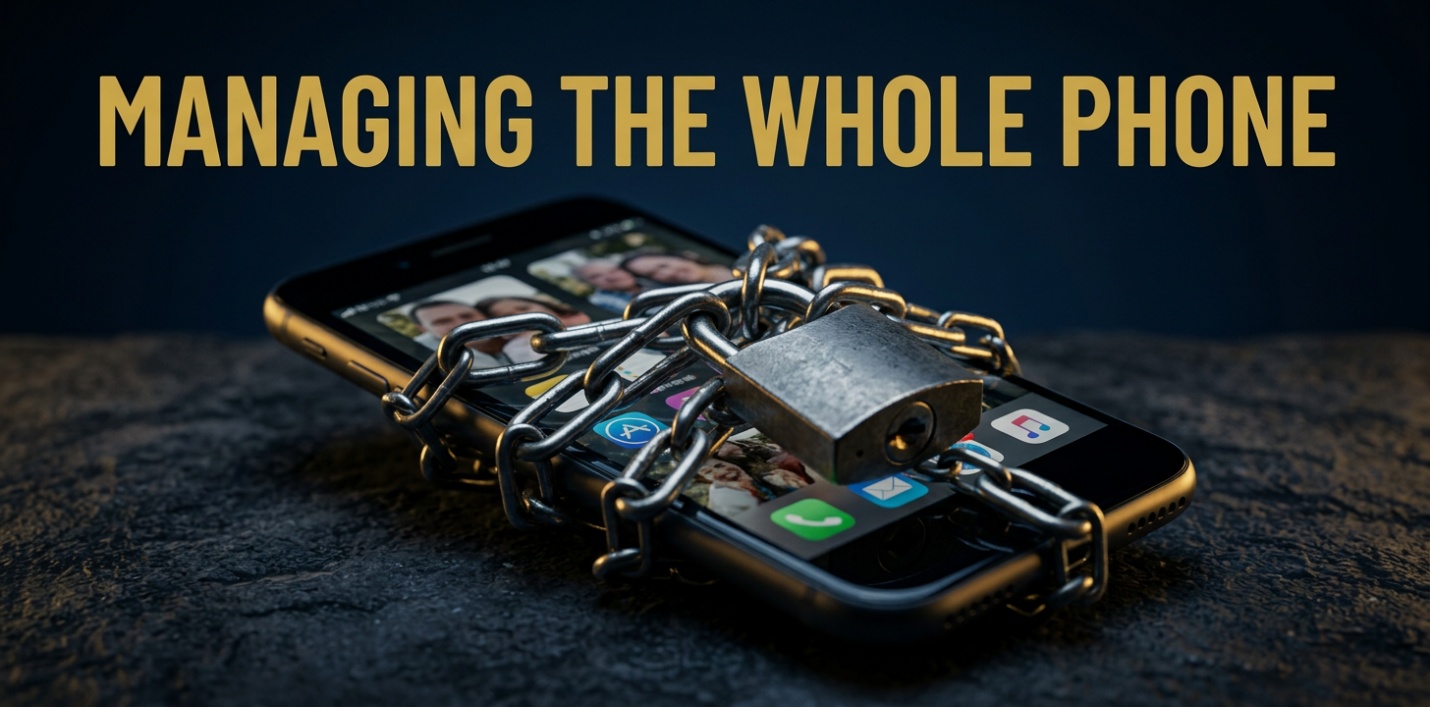
MDM is device-level control. It enrolls the whole phone, pushes configuration profiles, provisions certificates and Wi-Fi, and gives IT the ability to wipe the device. That is the correct model for a corporate-owned laptop or a shared frontline tablet. On an asset the company bought, full control is appropriate and uncontested.
On an asset the employee bought, full control is a liability generator.
What MDM on a personal phone actually costs you
Privacy and legal exposure. Enrolling a personal device means the company now has a management relationship with hardware that holds the employee’s family photos, banking apps, and personal messages. The wipe capability is the headline fear, and “we can only wipe the corporate container” is a sentence employees do not believe and lawyers do not love. Adoption suffers, and where adoption suffers, people route around you (forwarding mail to personal accounts is worse than anything MDM was protecting against).
-
Cost and time. Full enrollment is a project: enrollment flows, device compliance baselines, profile management, a help desk that now fields “why did my personal phone change” tickets. You are paying to manage the device in order to protect the data on it.
-
Scope creep without payoff. Once a personal phone is enrolled, you own its problems. None of that device-level overhead moves the needle on the thing you actually care about, which is corporate data leaking out of corporate apps.
You bought a heavier, slower, riskier control to solve a problem it was never the cheapest solution to.
VERY HEAVY DIRECTION
The control that actually fits BYOD: Mobile Application Management
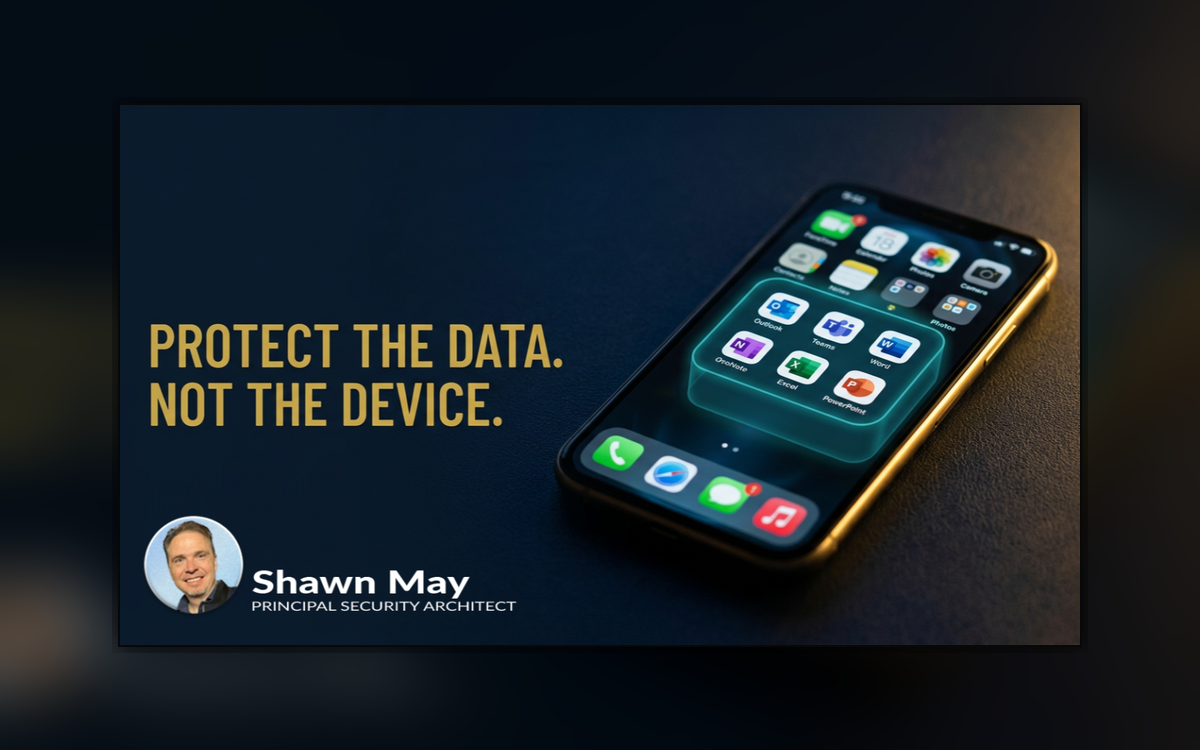
Mobile Application Management (MAM) protects the data inside the apps, not the device underneath them. In the Microsoft stack this is delivered through Intune App Protection Policies, and the important part for a governance audience is the deployment model: it works without enrolling the device at all.
The employee installs Outlook, Teams, or Word, signs in with their work account, and the protection policy attaches to the corporate identity inside that app. From that point the company can enforce an app PIN, encrypt corporate data at rest, block copy and paste from a managed app into a personal one, and selectively wipe the corporate data without touching anything personal. The family photos are never in scope because the company never enrolled the phone.
This is not a watered-down version of MDM. It is a different and better-aimed control. Microsoft’s own guidance names MAM without enrollment as the model built for personal and bring-your-own devices. Practitioners who run it at scale describe app protection policies as the highest-return BYOD control in the Microsoft 365 stack, because you get corporate data containerization on an unenrolled iPhone or Android in roughly an afternoon.
Containerize the data. Leave the device alone. That is the whole strategy, and it is the one most BYOD programs skip.

Containerize the data
The honest tradeoffs (because there are some)
Service over alarm means naming what MAM does not do, so nobody gets surprised in an audit.
-
It only protects apps built for it. App protection covers applications that integrate Microsoft’s Intune App SDK (Outlook, Teams, Word, Edge, OneDrive, most of Microsoft 365). A third-party app your team loves but that doesn’t support the SDK is outside the boundary.
Action: the policy owner maintains the list of permitted apps and routes corporate workflows through supported ones.
-
It does not assess device health. MAM protects the app container; it does not tell you whether the underlying phone is jailbroken, out of date, or compromised at the OS level. For high-assurance or regulated workloads, that gap matters.
Action: pair MAM with Conditional Access conditions, and reserve full MDM for the device classes that genuinely require device-level assurance.
-
It does not deploy apps, certificates, or network config. Users get apps from the store; the company does not provision Wi-Fi or VPN profiles to an unenrolled device.
Action: accept that BYOD is for app access, not for turning a personal phone into a managed endpoint. If a role needs the latter, it needs a corporate device.
The clean line for governance: MAM for personal devices, MDM for corporate-owned devices, and both together on a single device only when a specific risk justifies the overhead. That sentence is a policy where most organizations are missing it.
The deadline that makes this urgent right now
There is a date on this. The Conditional Access grant that older BYOD policies leaned on, “Require approved client app,” is being retired. Microsoft moved the date once already, and it now lands on June 30, 2026.
Here is the governance risk, stated plainly: after that date the retired grant is not enforced, but the policy that references it does not error out. It keeps running. Users keep signing in. Apps keep opening. The control you designed into the policy is simply ignored, with no automatic fallback. Access is granted without the protection you believed was in place, and nothing visibly breaks to tell you.
That is the worst category of audit finding, a control that reads as present and behaves as absent.
The replacement is the “Require app protection policy” grant, which verifies the corresponding Intune policy before access is granted and delivers the same data protection with more assurance. If your organization runs any BYOD Conditional Access today, someone needs to confirm before June 30 that none of those policies rely on the retiring grant.
Owner: whoever holds Conditional Access. Deadline: now, not Q3.

Deadline is now
The decision in front of you
Strip out the acronyms and the governance question is simple. On a device you do not own, you are not trying to manage a phone. You are trying to keep corporate data from walking out of corporate apps. MDM answers a question you weren’t asked and bills you for the privilege. MAM answers the one you were.
The organizations getting BYOD right are not the ones with the most control over employee phones. They are the ones who decided, on purpose, to control the data and leave the device alone, and who wrote that decision down before an auditor wrote it down for them.
Where does your BYOD policy sit today, on purpose or by default? I’d genuinely like to know which way your organization went, and why. If this reframed the question usefully, follow along (I write about the Microsoft identity and security stack for exactly this audience), and pass it to whoever owns your Conditional Access before the end of June.

Glossary
-
App Protection Policy (APP) – The Intune rules that enforce protection inside a managed app: app PIN, encryption at rest, copy/paste limits, and selective wipe of corporate data only.
-
BYOD (Bring Your Own Device) – Letting employees use personal phones and tablets for work.
-
Conditional Access – Microsoft Entra’s policy engine that allows or blocks a sign-in based on signals like device state, app, or whether an app protection policy is in force.
-
Intune – Microsoft’s endpoint management service that delivers both MDM and MAM.
-
Intune App SDK – The toolkit an app must integrate to be governed by app protection policies; covers most of Microsoft 365 but not every third-party app.
-
MAM (Mobile Application Management) – Protecting corporate data inside specific apps without enrolling or managing the whole device. The right fit for personal devices.
-
MDM (Mobile Device Management) – Enrolling and controlling an entire device (configuration, certificates, wipe). The right fit for corporate-owned hardware.
-
“Require app protection policy” grant – The Conditional Access control that verifies a device has an active Intune app protection policy before granting access; the supported replacement for the retiring grant.
-
“Require approved client app” grant – The legacy Conditional Access control being retired June 30, 2026; after that date it is silently ignored rather than enforced.
-
Selective wipe – Removing corporate data from a managed app without touching the user’s personal data or the device itself.