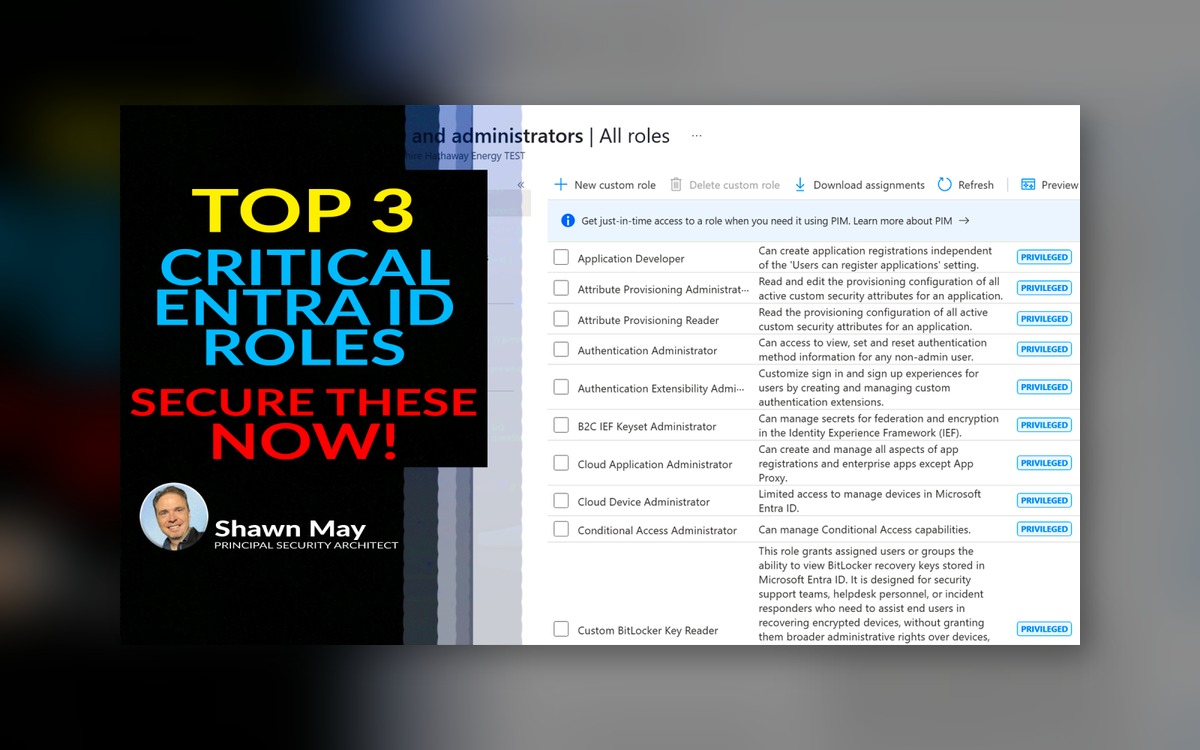
Top 3 Critical Entra ID Roles – Secure These Now!
As a Microsoft cloud security expert, one of the most common questions I get is: “What roles should we lock down first in our Entra ID environment?” My answer is always the same: start with your most powerful roles. Whether you’re running a large enterprise or a small to medium business, here are some simple steps you can take right now to drastically improve your security posture. Most organizations secure standard user access with second-factor (or MFA) but overlook the elevated roles that attackers target first. That is a critical mistake.
Special note (bonus):
If using Privileged Access Groups (PAG) or role-assignable groups (requiring Entra P1 or P2 licensing) to control elevated role assignments, always configure them with eligible assignments instead of active. Eligible status forces just-in-time activation, requiring users to request approval, complete second-factor (or MFA), and provide justification each time. Microsoft recommends:
-
Using just-in-time membership or ownership for role-assignable groups.
-
Requiring approval, second-factor (or MFA), and time-bound activation for all eligible role access.
-
Avoiding permanently active assignments, except for tightly controlled break-glass accounts.
-
Creating groups as role-assignable at the time of creation – this setting cannot be changed later.
This approach limits standing privileges, enforces least privilege, and ensures every activation is auditable.
Why AAL3 matters and how to apply it: If you’re serious about tightening your identity security, you need to start thinking in terms of assurance levels, specifically NIST AAL3. At a high level, AAL3 means this: only allow access to your most sensitive systems when a user proves who they are using a hardware-backed, phishing-resistant credential. This is not a compliance checkbox – it is how you stop real-world compromise.
When you enforce FIDO2 keys, just-in-time role activation, and strong Conditional Access policies for high-privilege accounts, you’re no longer relying on good luck. You’re building actual resilience. AAL3 isn’t required for every role, but it is essential for any role that can override security settings, elevate other users, or change identity infrastructure.
This is about mindset. Identity is your new perimeter. Treat it that way. Start with your riskiest roles. Enforce AAL3. Build up from there.
1. Privileged Authentication Administrator
What it does: This role can reset credentials for any user, including Global Administrators. It can also modify authentication methods, including disabling second-factor (or MFA).
Why this matters: This is one of the most quietly dangerous roles in Entra ID. A user with this role can completely remove second-factor (or MFA) for anyone – including executives or other admins – then reset their passwords and take over those accounts. If an attacker gets access to this role, they can move laterally and weaken your defenses without being noticed. This role must be locked behind the strongest protections available.
Additional control: Limit the activation window to a strict maximum of 30 to 60 minutes. There is no operational justification for holding this role longer. Keep usage short, purposeful, and tightly monitored. Also, consider restricting activation of this role to on-premises locations and only from hybrid-joined or compliant devices. This ensures it’s only checked out under trusted network and device conditions.
2. Privileged Role Administrator
What it does: Grants and removes access to all administrative roles, including Global Administrator. It controls role assignments, eligibility, and activation across the tenant.
Why this matters: This role determines who holds power in your cloud environment. It can assign Global Admin, Security Admin, Exchange Admin, and more. If someone compromises this role, they can assign elevated roles to attacker-controlled accounts, create shadow admins, and expand control across your environment. Without strict controls, this role becomes the fastest path to complete compromise.
Additional control: The activation duration for this role should be kept under 1 hour, and ideally closer to 30 minutes. The shorter the window, the less time an attacker has to move if compromised. For additional protection, restrict activation to trusted scenarios only – enforce that it can only be used from compliant or hybrid-joined devices and when connected on-premises or over a trusted corporate VPN.
3. Global Administrator
What it does: Provides full access to all Microsoft Entra ID, Microsoft 365, and Azure services. This includes policy control, billing, identity governance, and subscription management.
Why this matters: This is the highest-level role in your environment. It can override security policies, delete logs, disable protections, and assign any other role. If this role is breached, nothing is off limits. It should never be used for daily tasks and must be protected by hardware-backed, phishing-resistant authentication and tight just-in-time controls.
Additional control: This role should only be activated for the specific task at hand, and the maximum duration should never exceed 2 to 3 hours. It is not a day-to-day admin role and should only be used in rare, well-documented cases. You should also limit role activation to secured environments – only allow check-out from compliant, corporate-managed devices, ideally within your enterprise network or using secure remote access with strong conditional access controls.
How to Secure These Roles with AAL3
AAL3 requires phishing-resistant, hardware-backed authentication. The most practical method is to use FIDO2 security keys such as YubiKeys.
Pair this with Microsoft Entra Privileged Identity Management (PIM):
-
Assign these roles only through eligible assignments
-
Require PIM activation with approval and justification
-
Enforce FIDO2 authentication for all activations
-
Use Conditional Access with authentication strength to enforce AAL3
Final Thoughts
You do not need a massive project plan to secure your most critical roles. Start here:
-
Use eligible assignments instead of active
-
Require just-in-time activation through PIM
-
Enforce phishing-resistant authentication using FIDO2
-
Lock these roles behind Conditional Access with AAL3
These are high-impact, low-friction changes that will immediately reduce your risk.
I hope this was helpful. Contact me directly if you want help deploying this in your environment.

Glossary
-
AAL3 (Authentication Assurance Level 3): Highest level of authentication strength defined by NIST. Requires phishing-resistant, hardware-backed credentials such as FIDO2.
-
FIDO2: A passwordless authentication standard that uses physical security keys to prevent phishing and credential theft.
-
Privileged Authentication Administrator: Manages credentials, resets passwords, and configures second-factor (or MFA) settings across the tenant.
-
Privileged Role Administrator: Controls the assignment and removal of all administrative roles.
-
Global Administrator: Full control over Microsoft cloud services, including Microsoft 365, Entra ID, and Azure.
-
PIM (Privileged Identity Management): A feature in Microsoft Entra that allows time-based, approval-controlled access to privileged roles.
-
Conditional Access: A policy engine in Entra ID used to enforce access rules based on user, device, location, risk level, or authentication strength.
-
Authentication Context: A label used in Conditional Access to apply custom authentication requirements to specific apps or actions.
-
PAG (Privileged Access Group): A security group configured to be role-assignable and managed through PIM.
-
Eligible Assignment: A PIM configuration where users must request activation to use a role – supports least privilege and auditing.
-
Active Assignment: A PIM configuration where users always have access to the role – only recommended for break-glass scenarios.