Is Your “Encrypted” LDAP Actually Protected? (Part 3 of 6)
Part 3 of 6 · Moving Past LDAP Simple Bind
If this is where you’re starting, you’re in a fine place to start. Here’s the whole series in a sentence so you’re not missing anything: securing LDAP means doing three separate jobs (the connection, the login, and the account) and this part is about the first one, the connection.
This series breaks “securing LDAP” into three separate jobs – data in transit (A), authentication (B), and the account itself (C).
Part 1 lays out why, and Part 2 shows where simple bind fails on all three. This article is entirely about Concern A: protecting the conversation so nobody can read it or quietly alter it on the way. Two controls do this (LDAPS and StartTLS) and there is a trap at the end that makes both of them worthless if you miss it.
𝗟𝗗𝗔𝗣𝗦: 𝘀𝗲𝗰𝘂𝗿𝗲 𝗟𝗗𝗔𝗣 𝗼𝗻 𝗽𝗼𝗿𝘁 𝟲𝟯𝟲
-
𝗪𝗵𝗮𝘁 𝗶𝘁 𝘀𝗼𝗹𝘃𝗲𝘀: Concern A. It builds an encrypted tunnel before the login happens.
-
𝗪𝗵𝗮𝘁 𝗶𝘁 𝗱𝗼𝗲𝘀 𝗡𝗢𝗧 𝘀𝗼𝗹𝘃𝗲: Concern B or C. A password simple bind inside LDAPS is still a reusable password, and LDAPS says nothing about account privilege. It also does not guarantee a strong TLS version or cipher – more on that shortly.
LDAPS wraps the whole LDAP conversation in TLS on a dedicated port before any bind happens. The DC presents a certificate, the client checks it, an encrypted session is established, and the bind then travels safely inside (with a hook). It is the most widely supported secure option for appliances and third-party apps – which is exactly why it is so often mistaken for a complete fix. (It is not but you probably knew I was going to say that.)
Think of LDAPS as a private, sealed tunnel built before anyone speaks. The DC shows ID first (the certificate, a passport your computer already trusts) then the tunnel forms around the conversation. But a sealed tunnel only protects the trip. It does not vouch for who (the identity) is talking or what keys they carry.
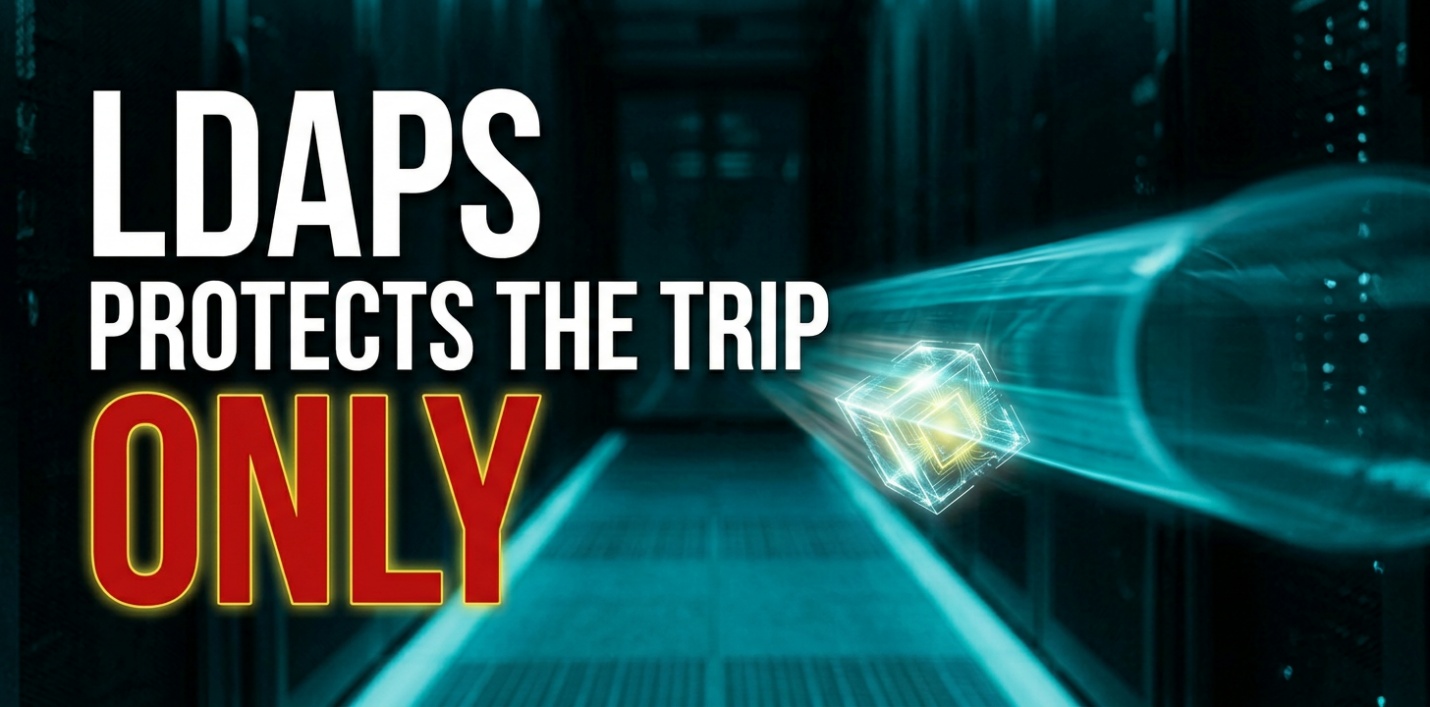
a sealed tunnel only protects the trip, not who’s talking
𝗛𝗼𝘄 𝘁𝗼 𝗶𝗺𝗽𝗹𝗲𝗺𝗲𝗻𝘁, 𝗯𝗿𝗶𝗲𝗳𝗹𝘆:
-
Confirm an internal CA (AD CS) and a certificate template with Server Authentication and DC auto-enrollment.
-
Enroll each DC. A DC auto-binds LDAPS to a valid cert in its local machine store that carries the Server Authentication EKU and a matching name – no LDAP service restart needed.
-
Make sure clients trust the issuing CA chain (push via Group Policy to domain members; import into non-domain appliances).
-
Open TCP 636, and 3269 for the Global Catalog over TLS.
-
Verify the TLS version and ciphers are modern (see the trap below).
𝗢𝗻𝗲 𝗼𝗽𝗲𝗿𝗮𝘁𝗶𝗼𝗻𝗮𝗹 𝗰𝗮𝘃𝗲𝗮𝘁: if LDAPS runs through an F5 or VIP, the DC sees the load balancer’s address instead of the real client’s – which means the Event ID 2889 records you rely on to hunt legacy binds show the balancer, not the offender. Part 6 covers how to keep that visibility.
𝗦𝘁𝗮𝗿𝘁𝗧𝗟𝗦 𝗼𝘃𝗲𝗿 𝗽𝗼𝗿𝘁 𝟯𝟴𝟵
-
𝗪𝗵𝗮𝘁 𝗶𝘁 𝘀𝗼𝗹𝘃𝗲𝘀: Concern A – the same TLS protection as LDAPS, reusing the standard port (389).
-
𝗪𝗵𝗮𝘁 𝗶𝘁 𝗱𝗼𝗲𝘀 𝗡𝗢𝗧 𝘀𝗼𝗹𝘃𝗲: Concern B or C, for the same reasons as LDAPS. And if the client silently falls back to cleartext when the upgrade fails, you can lose Concern A too.
StartTLS keeps port 389 but upgrades the open connection to TLS (via the StartTLS extended operation) before the bind is sent. Same protection as LDAPS, without a second port. It suits environments that must keep 389 open but want the cleartext gone.
Same sealed tunnel, different door. Instead of a dedicated secure entrance, StartTLS starts at the ordinary door and immediately says “let’s switch to a private channel” before any password is spoken. The one rule to pay attention to that really matters: the client must refuse to continue if the switch fails – otherwise it can quietly fall back to talking in the open.
𝗧𝗵𝗲 𝘀𝗶𝗹𝗲𝗻𝘁-𝗳𝗮𝗶𝗹𝘂𝗿𝗲 𝘁𝗿𝗮𝗽: a soft StartTLS (for example a single lowercase -Z in ldapsearch) allows fallback to cleartext. Always require the hard form (-ZZ) so a failed upgrade aborts rather than leaking the password. This is the one way this control fails without telling you.

reinforces the soft-vs-hard StartTLS silent fallback trap
𝗧𝗵𝗲 𝘁𝗿𝗮𝗽 𝘂𝗻𝗱𝗲𝗿𝗻𝗲𝗮𝘁𝗵 𝗯𝗼𝘁𝗵: “𝗲𝗻𝗰𝗿𝘆𝗽𝘁𝗲𝗱” 𝗶𝘀 𝗻𝗼𝘁 “𝘀𝘁𝗿𝗼𝗻𝗴𝗹𝘆 𝗲𝗻𝗰𝗿𝘆𝗽𝘁𝗲𝗱”
Here is the line that makes the whole “Concern A does not cover everything” point land. LDAPS and StartTLS both lean on the server’s TLS stack – Schannel on Windows. “Encrypted” is only as strong as the protocols and ciphers that stack will accept, and that is configured completely separately from anything about LDAP. LDAPS running on TLS 1.0 with a weak cipher is encrypted and still unacceptable.
-
Aim for TLS 1.2 as a minimum (TLS 1.3 where every client supports it), and disable SSL 3.0, TLS 1.0, and TLS 1.1. These legacy protocols can still be enabled by default on older builds.
-
Prefer strong AEAD cipher suites (AES-GCM, and ChaCha20 where available). Disable known-weak suites such as those using CBC with SHA1, 3DES, or RC4.
-
These live under the Schannel protocol and cipher-order settings, set by GPO or tooling. Changes take effect after a reboot or NTDS service restart – and certainly do not take the registry’s word for it. Confirm with a tool that enumerates the ciphers actually offered on port 636.
LDAPS with a weak or expired certificate, or stuck on TLS 1.0, is a locked door with a flimsy lock. Verifying the TLS quality is what turns “encrypted” into “actually protected.”
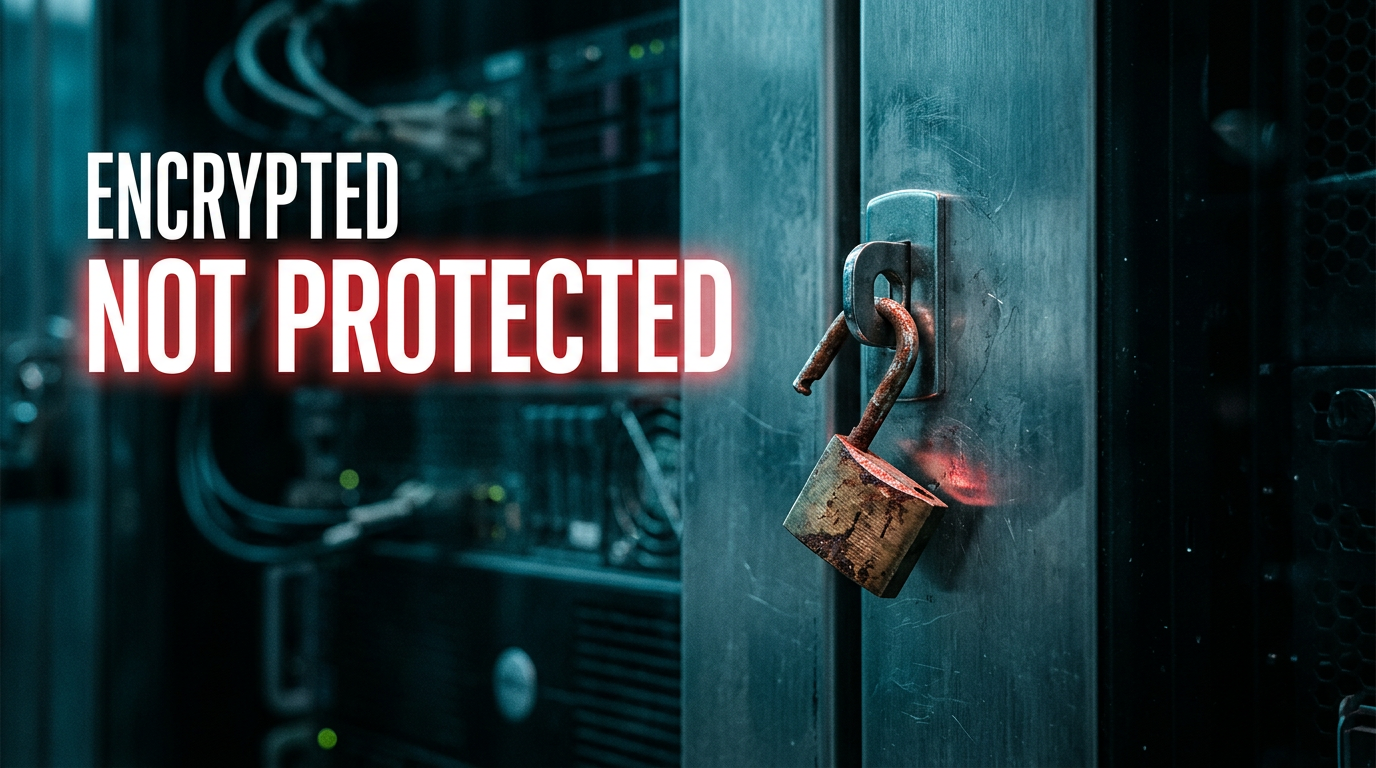
reinforces the soft-vs-hard StartTLS silent fallback trap
𝗤𝘂𝗶𝗰𝗸 𝗮𝗻𝘀𝘄𝗲𝗿𝘀 𝗽𝗲𝗼𝗽𝗹𝗲 𝗮𝗹𝘄𝗮𝘆𝘀 𝗮𝘀𝗸
-
𝗗𝗼𝗲𝘀 𝗟𝗗𝗔𝗣𝗦 𝘀𝗲𝗰𝘂𝗿𝗲 𝘁𝗵𝗲 𝗽𝗮𝘀𝘀𝘄𝗼𝗿𝗱 𝗶𝘁𝘀𝗲𝗹𝗳? No. It secures the connection the password travels over. The password inside a simple bind is still reusable – to fix that, you change the bind to Kerberos/SASL (Part 4).
-
𝗗𝗼𝗲𝘀 𝗟𝗗𝗔𝗣𝗦 𝗽𝗿𝗼𝘁𝗲𝗰𝘁 𝗮𝗴𝗮𝗶𝗻𝘀𝘁 𝗮 𝘀𝘁𝗼𝗹𝗲𝗻 𝗹𝗼𝗴𝗶𝗻 𝗯𝗲𝗶𝗻𝗴 𝗿𝗲𝗽𝗹𝗮𝘆𝗲𝗱? Not on its own. Replay protection comes from channel binding and signing (Part 4). LDAPS gives you the encrypted channel those build on.
-
𝗜𝘀 𝗦𝘁𝗮𝗿𝘁𝗧𝗟𝗦 𝗺𝗼𝗿𝗲 𝗼𝗿 𝗹𝗲𝘀𝘀 𝘀𝗲𝗰𝘂𝗿𝗲 𝘁𝗵𝗮𝗻 𝗟𝗗𝗔𝗣𝗦? Equally secure for the channel when enforced correctly – same TLS protection on 389 instead of 636.
𝗧𝗵𝗶𝘀 𝗶𝘀 𝗣𝗮𝗿𝘁 𝟯 𝗼𝗳 𝗮 𝟲-𝗽𝗮𝗿𝘁 𝘀𝗲𝗿𝗶𝗲𝘀.
Previously – Part 2: Is Your Domain Controller Leaking Passwords?
Next: Part 4: Why Send a Password You Can’t Take Back? Transit protection guards the trip – but why send a reusable password at all? We move to Concern B: SASL/Kerberos binds and channel binding, the controls that make a captured login worthless.
Full series:
-
Part 1 – Did You Really Secure LDAP – or Just One-Third of It?
-
Part 3: Is Your “Encrypted” LDAP Actually Protected? (this article)
-
Part 6 – Are You Hoping Your LDAP Is Secure – or Do You Know?
Question: Do you actually know which TLS version your DCs are negotiating on 636 right now – or are you trusting the registry?
If you’re not 100% sure what TLS version your DCs are actually negotiating on 636, repost this as a nudge to whoever owns that – then go check. Follow for Part 4: why send a password at all?
Be honest in the comments: did you know your LDAPS cipher/protocol off the top of your head, or are you about to go look? Either answer is worth a repost so the next person looks too.

𝗥𝗲𝗳𝗲𝗿𝗲𝗻𝗰𝗲𝘀:
𝗚𝗹𝗼𝘀𝘀𝗮𝗿𝘆
-
LDAPS: LDAP over TLS on a dedicated port (636); the whole conversation is encrypted before the login happens.
-
StartTLS: a command that upgrades an ordinary port-389 LDAP connection to TLS before the login is sent.
-
TLS: Transport Layer Security; the encryption that wraps a connection so it cannot be read or altered in transit. The modern successor to SSL.
-
Schannel: Windows’ built-in TLS engine; it decides which TLS versions and ciphers the server accepts, configured separately from LDAP.
-
Cipher suite / AEAD: the specific encryption algorithm a TLS connection uses; AEAD suites (AES-GCM, ChaCha20) are the modern strong choices.
-
Certificate: a digital ID a server presents to prove it is genuine; the DC’s LDAPS certificate is what the client checks.
-
AD CS: Active Directory Certificate Services; Microsoft’s built-in certificate authority, the usual source of DC certificates.
-
EKU: Enhanced Key Usage; a marking on a certificate stating what it may be used for, such as Server Authentication.
-
Global Catalog: the domain-wide directory index; served over TLS on port 3269.
-
Group Policy (GPO): the mechanism Windows uses to apply settings consistently across a domain.
-
F5 / VIP: a load balancer and its virtual endpoint that can front a pool of DCs (covered in Part 6).
-
Event ID 2889: the Directory Service log event that names the client and account behind each unsigned or cleartext bind.
#ActiveDirectory #LDAPS #TLS #WindowsServer #InfoSec