MFA That Works Every Time
The registration step most people skip
When MFA works only sometimes
Turning on multi-factor authentication feels like the job is finished. For almost every account, it is. There's one moment it quietly doesn't cover, and the people trying to get into your systems know exactly where to find it.
Here's that moment. A new hire starts Monday. Their account gets set up on Wednesday with a password, the way most accounts are. Over the weekend, someone who bought or guessed that password signs in first. MFA is switched on, so they're prompted to set up a second factor right then and there. They enroll their own phone. Monday morning, the real employee shows up to an account that now answers to a stranger, and she's the one locked out.
Nothing malfunctioned. Every policy did exactly what it was told. That's the part worth sitting with for a second.
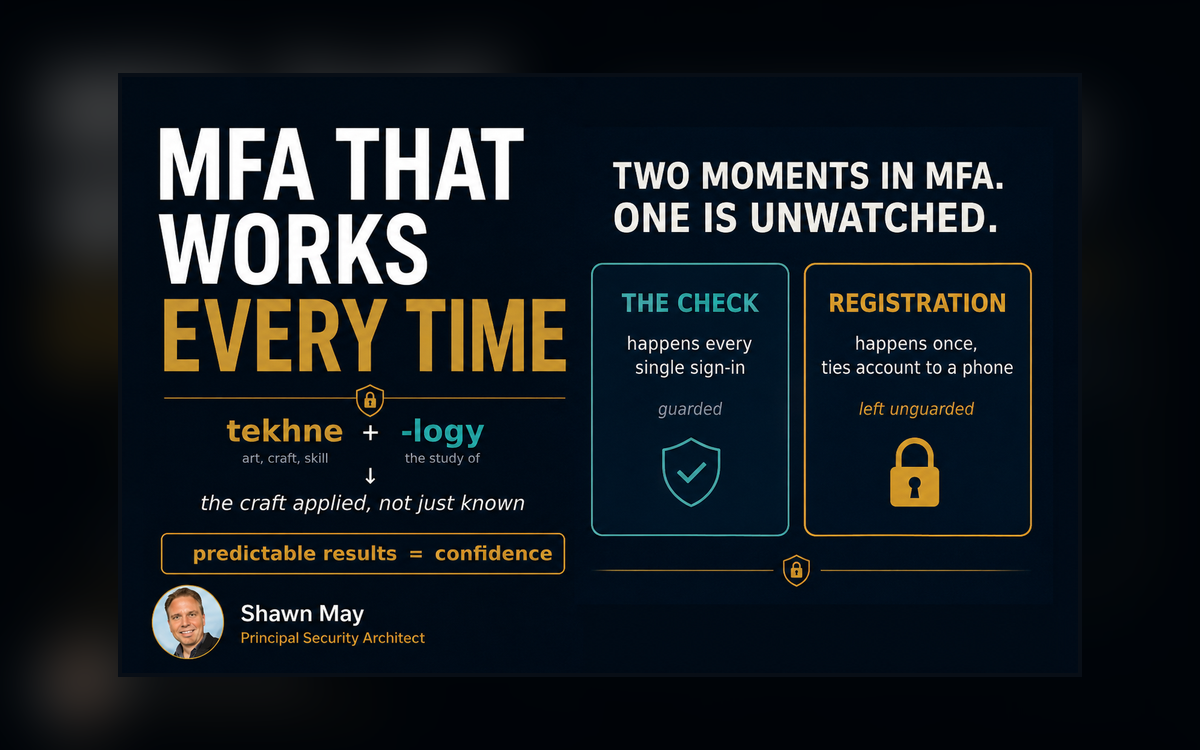
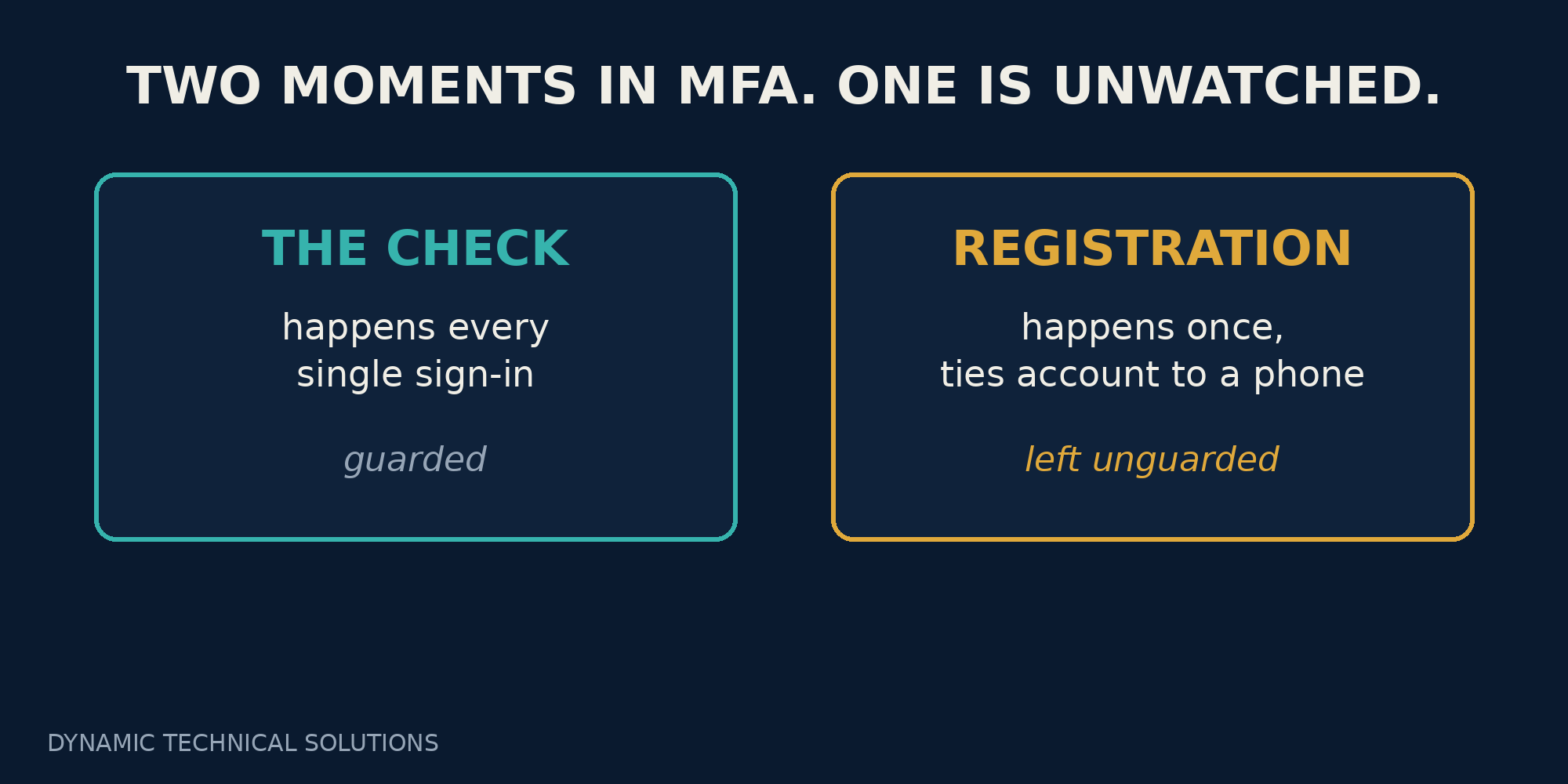
Let me explain what actually happened, because it's simpler than this jargon makes it sound. There are two separate moments inside MFA, and we usually only picture one of them.
- The first is that check: every time someone signs in, they get asked for a second factor or a code on a phone.
- The second is registration: the one (initial) time an account gets tied to that phone.
This one-two registration check runs constantly. Registration happens once, and everything the check does afterward leans on it.
When you flip on “require MFA for everyone,” you have guaranteed the check. You've said nothing about who gets to do the registering. The system trusts whatever method is on file. It doesn't, and honestly can't, ask whether the right person is the one who put it there.
That gap is the entire subject. Not MFA failing. MFA working perfectly for whoever enrolled first. Microsoft's own guidance points at dormant and brand-new accounts, the ones nobody has registered yet, as the exact targets for this. It's a known pattern, not a rare piece of bad luck.
Technology, truth, and whose job this is
I want to borrow an idea I use with the businesses I coach, because it puts this in focus fast.
We toss the word technology around like it means a gadget. It doesn't. The word is Greek at the root: tekhne, meaning art, craft, or skill, and -logy, the study of it. Technology is the craft applied. It's the methods of a science actually put to work, not just knowing the science is out there. You can know everything about how a car is built and still not be able to drive one. Knowing and doing are two different things.
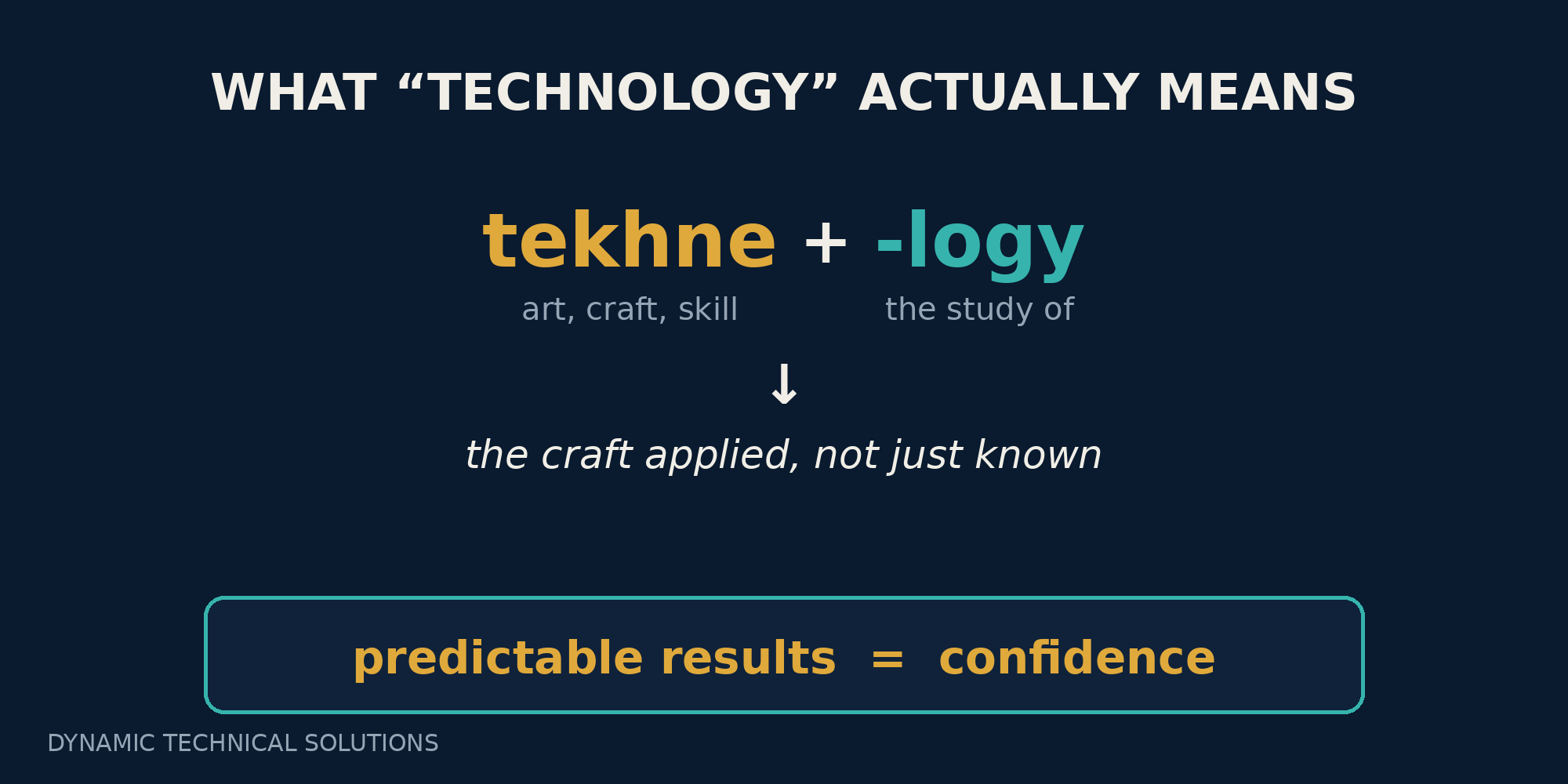
Why does an old Greek word matter for a security setting? Because a craft, applied properly, gives you predictable results. And predictable results are the whole point. Engineering has a plain test for truth: does it work, and does it work every time? A bridge that holds an eighteen-ton truck only some of the time is not a bridge anyone should drive over. If the builder shrugs and says “maybe, I think so,” he hasn't just given a weak answer. He's walked away from a duty he owed to everyone standing on that bridge.

MFA gets held to the same test. Microsoft found that an account is more than 99% less likely to be compromised when MFA is turned on. This number is real, and it's why we all switched it on. But it holds on one quiet condition: that the actual person owns the registered method. An account whose second factor was set up by an attacker sits on the wrong side of that statistic while looking exactly like the right side.
So here's the turn, and it's the reason I wrote this. Granted, the purchase of MFA (e.g. license) is an important element of this knowledge. However, making sure it protects the right person, every single time, is this craft. And the craft is a responsibility you carry, not one this purchase quietly handled for you. If you're the one accountable for these accounts, then you're accountable for the one moment that decides who MFA answers to. That isn't a weight I'm inventing to worry you. It's just where the line honestly sits.
Where Conditional Access comes in
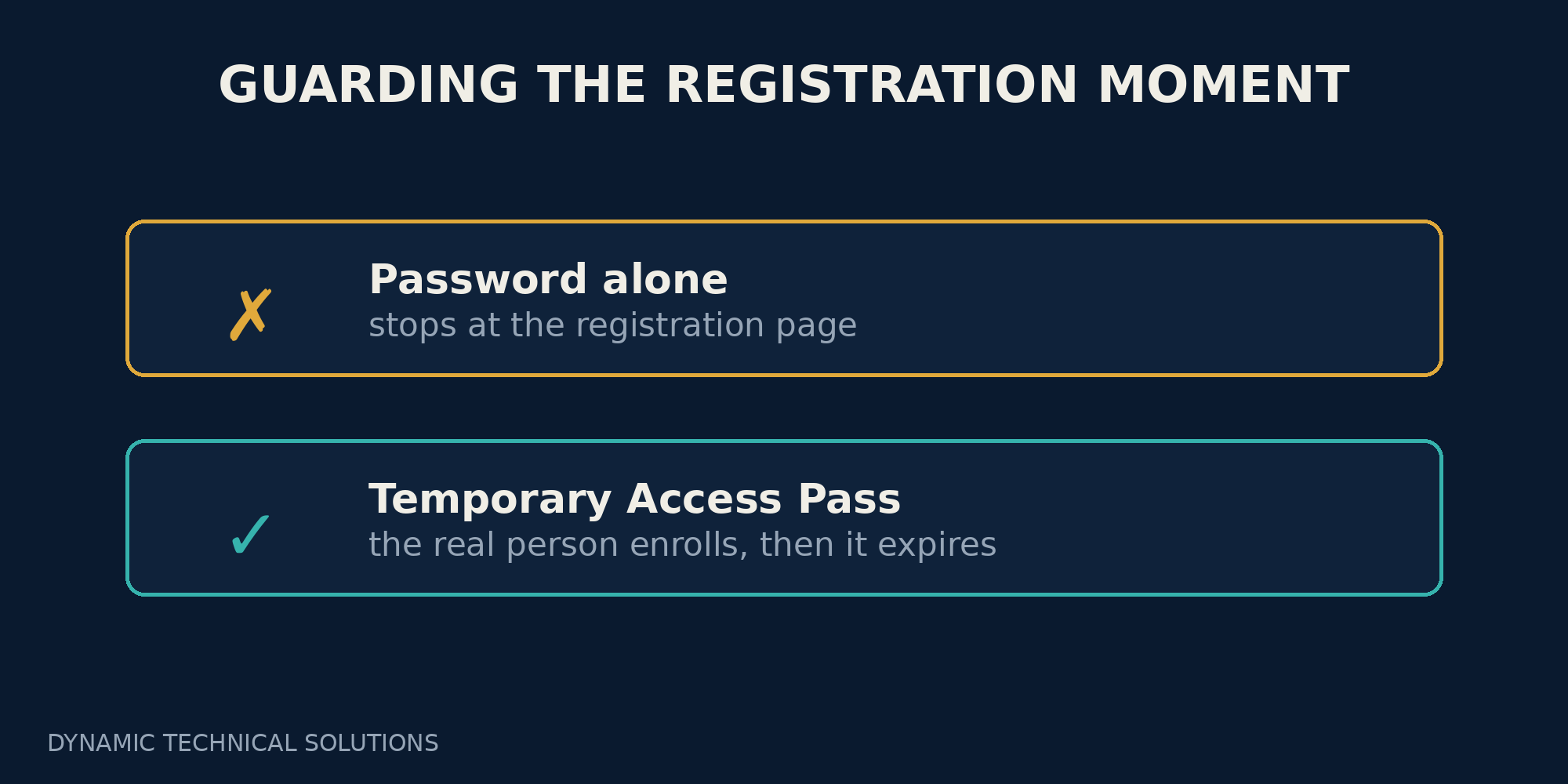
This is where Conditional Access earns its keep. Picture it as the rule layer that sits in front of your accounts and decides who gets in, and under what conditions. Most people know it for sign-in rules. Fewer realize it can guard the registration moment itself. Microsoft Entra lets you treat “register security information” as an event worth protecting, so that reaching the MFA setup page takes more than a password. The stranger holding only the weekend's lucky guess stops at that page instead of strolling through it.
Real new hires still need a clean way in, and there is one. An administrator hands the new employee a Temporary Access Pass, a one-time code good for the first day, so the genuine person enrolls their own phone and the pass expires on its own. The right person gets in. The password-only attacker doesn't. That's the whole trade, and it's a good one.

A few plain habits keep this working every time, and they're the same habits that keep any policy honest. Keep your exceptions few, because every account you carve out of a rule is a hole somebody can crawl through. Protect your break-glass account, the emergency login you never want caught in a bad policy. And switch any new rule on in report-only mode first, so you can watch who it would have blocked before it blocks anyone for real. When I run a group through their own policies, this is usually where quiet surprises turn up, and it's far better to find them on a screen than in support tickets. None of them are exotic. It's the difference between a control that works and one that works every time.
That last phrase is the whole promise. Set up right, MFA finally does what you believed it did the day you turned it on. It protects the person it's meant to, at every sign-in, with no quiet exception sitting there waiting to be found.
If you do one thing this week, make it this:
- Ask whoever runs your systems a single question.
- If someone had nothing but the password to a brand-new account, could they set up MFA on it themselves?
The answer tells you whether anyone is watching the moment that matters. Working that out, and understanding why it matters, is exactly the kind of thing I walk businesses through in one-on-one and in small group coaching sessions. The goal is never for you to memorize settings. It's for the protection you already paid for to hold, every time.

Glossary
Multi-factor authentication (MFA): a second proof of identity at sign-in, on top of the password, usually a code or a tap on your phone.
Registration (MFA registration): the one-time setup where an account gets tied to a specific phone or security key. Every later MFA check trusts whatever was registered here.
Conditional Access: the rule layer in Microsoft Entra that decides who can sign in, and under what conditions, before granting access.
Register security information: the specific action Conditional Access can protect: the page where a user sets up or changes their MFA methods.
Temporary Access Pass (TAP): a short-lived, one-time code an administrator issues so a genuine new user can enroll their first method. It expires on its own.
Break-glass account: an emergency administrator login, kept out of restrictive policies so you're never locked out of your own environment.
Report-only mode: a way to switch a new policy on to see what it would do, without actually blocking anyone yet.